Description
Download NT Smart Panel for free
Get version 0.5.3 and start using 14 free patterns. No payment or license key is required. You can also preview all 37 patterns before buying Pro.
Download Free Version — v0.5.3
ZIP includes the signed RBZ installer and installation guide. Pro is optional: a US$10 license unlocks the 23 additional patterns.
Create patterned panels in SketchUp
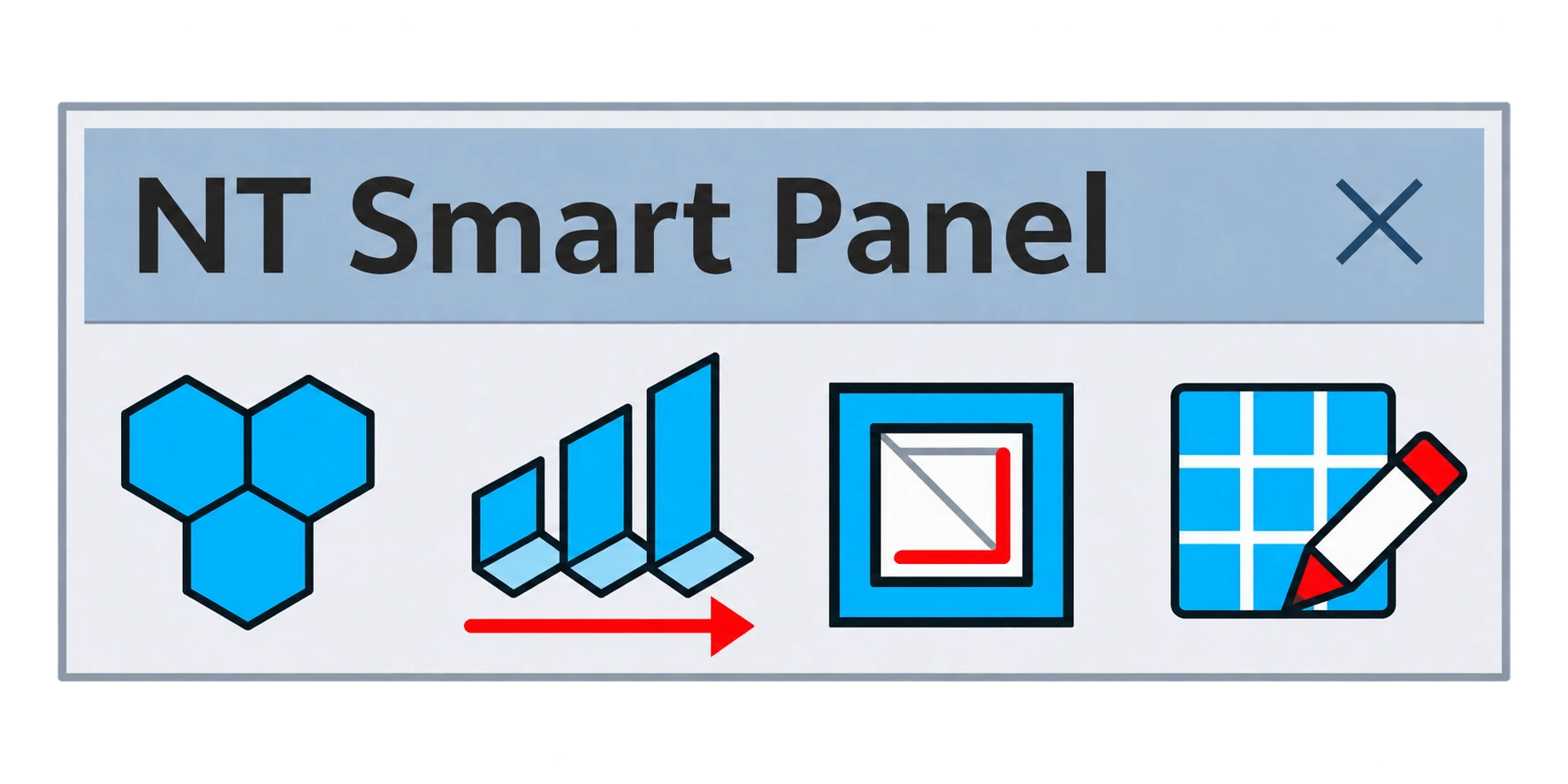
NT Smart Panel 0.5.3 combines 37 patterns with live preview: 8 basic, 10 architectural and 19 Islamic screen designs. Preview all 37 patterns before activation. Keep 14 patterns free and unlock the remaining 23 with Pro.
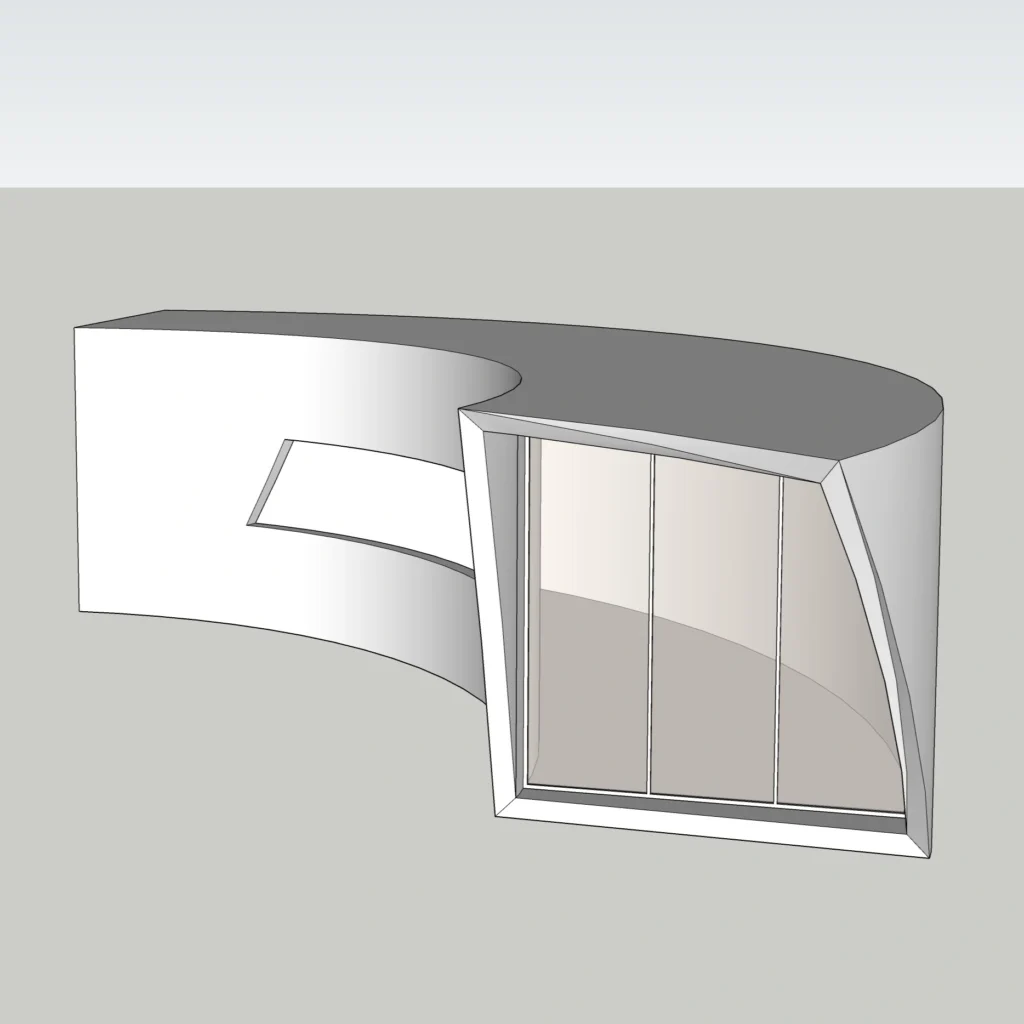
Adjust pattern scale, rotation, thickness and screen strip width before committing your design. Build panels on planar faces, preserve openings and edit saved NT Smart Panel layouts.
$10 — one payment
Permanent use of your purchased version for one user on up to two installations. No recurring subscription.
Download and install for free
Click Download Free Version above to get the ZIP without purchasing. Extract the ZIP, then install the included RBZ through SketchUp Extension Manager without unzipping the RBZ. Restart SketchUp. Open Extensions > NT Smart Panel, select a flat face, choose a free pattern and click OK to create it. The 14 free patterns work without a license key, and you can preview all 37 patterns before purchasing.
Activate Pro when you are ready
The free and Pro editions use the same installer. Buy a Pro license on this page to unlock the 23 additional patterns. Your order details and order email contain your license key. In NT Smart Panel, select Activate License and enter that key. Initial activation requires internet access. No separate Pro installation is required.
Compatibility
For desktop SketchUp. Target versions: 2018–2027; compatibility has not been verified on every version. Try the free patterns on your installation before purchasing. Version 0.5.3 is digitally signed and encrypted using Trimble’s extension signing service.
Reviews
There are no reviews yet.