
Lumion Rendering Training: 9 Public Videos & Project Examples
Explore Lumion rendering training with public Nice Tower videos for architectural visualization. Start with the complete beginner tutorial, then practice exterior render settings in Lumion Pro 12.5. The collection also includes architectural animation and short SketchUp-to-Lumion project examples. Full lessons and short demonstrations are clearly marked so you can choose the level of detail that fits your learning session.
Use these videos to connect a clean SketchUp model with a convincing rendered presentation. Compare camera composition, materials, lighting and movement rather than copying every setting without checking your own scene. The lessons use different projects and versions; menus and available effects may differ in your installation. Open the original video in a new tab, pause when needed and test one change at a time.
Public Lumion lessons and project examples
The first three videos are longer lessons. The remaining videos provide a shorter project walkthrough or visual reference; short showcases are not full software tutorials. Videos marked members-only on the channel have been left out of this collection.
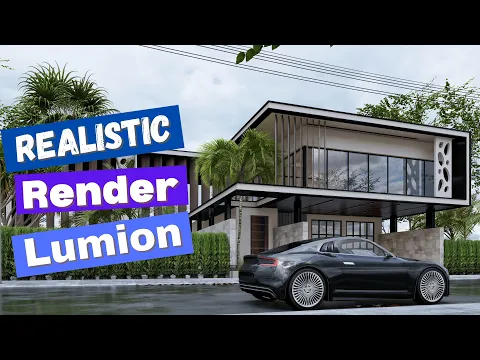
Exterior render settings · Lumion 12.5
Follow the full exterior lesson and compare materials, lighting and the final presentation.
Watch on YouTube ↗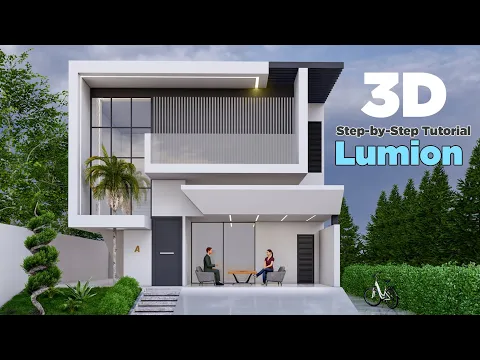
Realistic exterior rendering · Lumion 12.5
Practice a second exterior scene and study how its render settings support the architecture.
Watch on YouTube ↗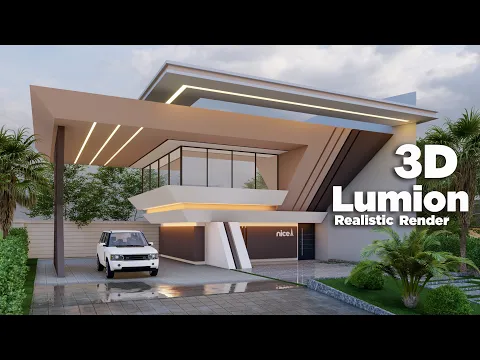
Lumion · Full beginner tutorial
Work through a complete beginner lesson before adapting the process to your own model.
Watch on YouTube ↗
SketchUp to Lumion · Architectural animation
See an architectural modeling and rendering example, from SketchUp geometry to a Lumion presentation.
Watch on YouTube ↗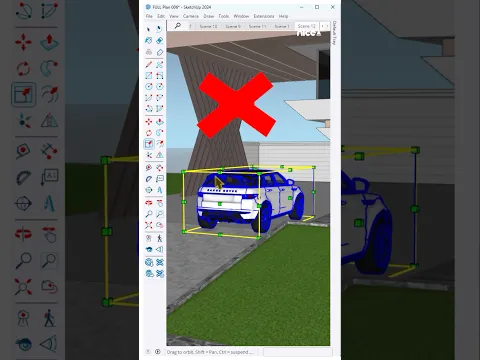
SketchUp & Lumion · Car animation
A short animation example for studying movement and how vehicles support a scene.
Watch on YouTube ↗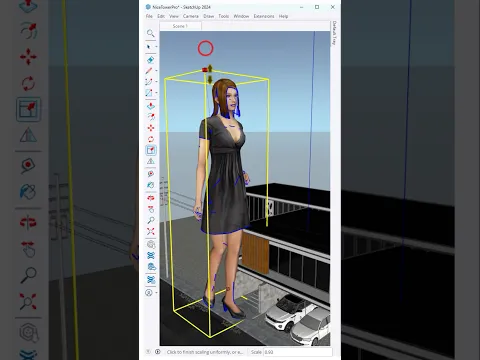
SketchUp & Lumion · Animation showcase
Study a short architectural animation and consider camera movement and scene composition.
Watch on YouTube ↗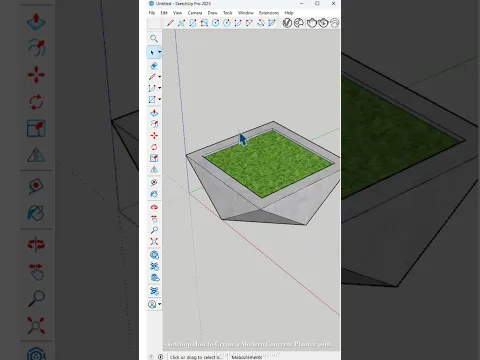
Concrete planter · SketchUp & Lumion
Follow a compact outdoor-object example that connects modeling with a rendered result.
Watch on YouTube ↗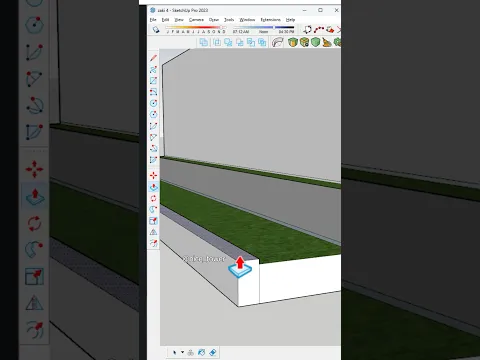
Green wall · Model and render
See a green-wall project made in SketchUp and rendered with Lumion.
Watch on YouTube ↗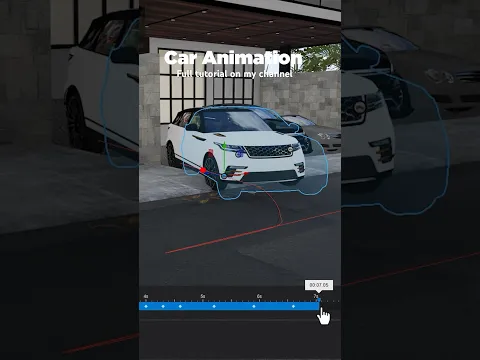
Lumion · Moving car example
A brief car-animation reference to compare with the longer architectural workflow.
Watch on YouTube ↗A practical Lumion rendering training workflow
Begin with a manageable scene rather than a large, unfinished project. Check dimensions, face orientation and material assignments in SketchUp. Keep repeated objects organized as components and remove unnecessary hidden geometry. A clear model makes it easier to diagnose an import problem and to identify which surface needs a new material. For a broader preparation guide, see the SketchUp workflow.
1. Prepare your Lumion rendering scene
Choose a viewpoint that explains the design. For an exterior, inspect the building silhouette, entrance, landscape and foreground before adding decorative details. Keep vertical lines and the relationship between building and surroundings in mind. Follow the exterior design lessons when you need more modeling practice, then return to the exterior rendering videos above.
2. Improve Lumion rendering materials and lighting
Work on the largest visible surfaces first. Compare the scale and direction of textures, then assess whether reflections and surface roughness support the intended material. Adjust lighting while watching how it affects the whole composition. Save a simple reference render before experimenting so you can compare results instead of relying on memory. Avoid making several unrelated changes at once.
3. Develop a Lumion rendering animation
Plan a short sequence with a clear purpose: approach the building, reveal an outdoor space or show a useful detail. Study the architectural animation and car examples for movement and pacing. A short showcase can inspire composition, but it does not explain every animation control. Return to a full lesson when you need detailed instruction and check the tools available in your Lumion version.
4. Review your Lumion rendering presentation
Inspect the output at its intended display size. Look for stretched textures, floating objects, distracting reflections and details that disappear in shadow. Keep a record of the changes that helped your scene. If you need assets for practice, explore the SketchUp model collection; check each file’s scale and suitability before placing it throughout the project.
Continue your Lumion rendering practice
Practice on a subject that matches the lesson you selected. Use landscape design training for outdoor spaces, planting and pergolas. Visit interior design resources when you want to prepare an indoor scene. For a structured modeling path, browse online SketchUp courses.
More Lumion videos on Nice Tower ↗
The full channel playlist includes both public and members-only videos. This page highlights public selections and keeps their original YouTube links.
Lumion rendering training questions
Where should a beginner start?
Start your Lumion rendering practice with the full beginner tutorial, then repeat one exterior scene using the render-settings lesson. Keep the project small enough to inspect each change.
Are these videos available without channel membership?
The selected videos were listed publicly when this collection was checked. The complete playlist also contains members-only lessons, which are not included in these cards.
Are short examples complete tutorials?
No. They show a project or visual result in a compact format. The cards identify short examples separately from longer step-by-step lessons.
Can I follow the Lumion 12.5 videos in a different version?
Use the scene-building principles as a reference, but check your own interface and available features. Settings and menu locations can vary between versions.
How can I improve a render after following a lesson?
Compare your model, camera, materials and lighting separately. Change one factor, make a preview and compare it with the previous output before moving on.