Nice Tower · Practical design guide
D5 for SketchUp: Powerful Rendering Guide 2026
D5 for SketchUp connects a measured model to real-time visualization. Learn how to prepare the scene, choose between direct import and LiveSync, inspect materials and lighting, and carry a checked project into a clear presentation.
On this page
D5 gives architects, interior designers and 3D artists a much faster path from a SketchUp model to polished visual content. But D5 Pro unlocks the workflow at a completely different level — combining professional rendering, advanced AI, an extensive asset library, presentation tools and powerful environment-building features in one ecosystem.
Instead of jumping between multiple applications, asset websites and separate AI tools, you can keep more of your visualization process inside D5 — from early design exploration to client-ready images, animations and interactive presentations.
Design and Visualize Faster
Move from SketchUp modeling to real-time visualization without interrupting your creative flow. Test atmosphere, materials, lighting and visual direction while the design is still evolving.
AI Built Into the Workflow
D5 Pro gives you unlimited access to D5’s AI features, helping you accelerate visual exploration, materials, scene development and post-production without constantly worrying about trial credits.
From Concept to Client Delivery
Develop the concept, populate the scene, refine the environment, create final renders and deliver immersive presentations through one connected visualization ecosystem.
D5 for SketchUp: what the Pro upgrade includes
The real value of D5 Pro is not simply gaining a few additional tools. It removes many of the limitations that can slow down a professional visualization workflow. You gain broader access to AI, assets, environment creation, presentation features and professional output tools — all inside the same D5 ecosystem.
Explore more ideas, refine visuals and use D5’s integrated AI capabilities without depending only on limited trial credits. This makes experimentation much more practical during real projects.
Build richer interiors, exteriors and landscapes with access to thousands of official D5 assets instead of repeatedly searching multiple third-party libraries for usable content.
Create larger-scale context and location-driven environments much faster — especially valuable for architecture, masterplanning, urban design and exterior visualization.
Go beyond static images and give clients a more immersive way to experience the project, understand spaces and evaluate design decisions.
Present architecture in a more engaging format and communicate design intent more clearly than with a traditional set of still renders alone.
Turn a visualization into a more immersive spatial experience — useful when clients need to understand proportions, atmosphere and spatial relationships before construction.
Access additional professional output capabilities for workflows that go beyond basic visualization and require more control over the final deliverables.
Store supported D5 workspace content and presets in the cloud, giving professional users a more convenient environment for managing their visualization workflow.
D5 for SketchUp: reduce rebuilding and tool switching
A professional visualization workflow is not only about the final render quality. It is also about how quickly you can reach that result. D5 Pro brings more of the tools you repeatedly need into the same workflow so you can focus your time on design and presentation rather than constantly managing disconnected resources.
Spend less time hunting for furniture, vegetation and scene assets across multiple external libraries.
Iterate more freely and use AI as part of the design process rather than treating every experiment as a limited trial.
Move beyond still images with tours, VR and interactive presentation options for more compelling client communication.
Connect concept exploration, real-time rendering, assets, presentation and final visualization inside the D5 workflow.
If D5 Is Part of Your Professional Workflow, Pro Is Where Its Full Potential Opens Up
For architects, designers and visualization artists working on real client projects, the biggest advantage is simple: more creative freedom, fewer workflow limitations and significantly more tools available when the project becomes demanding.
D5 for SketchUp: a faster scene workflow
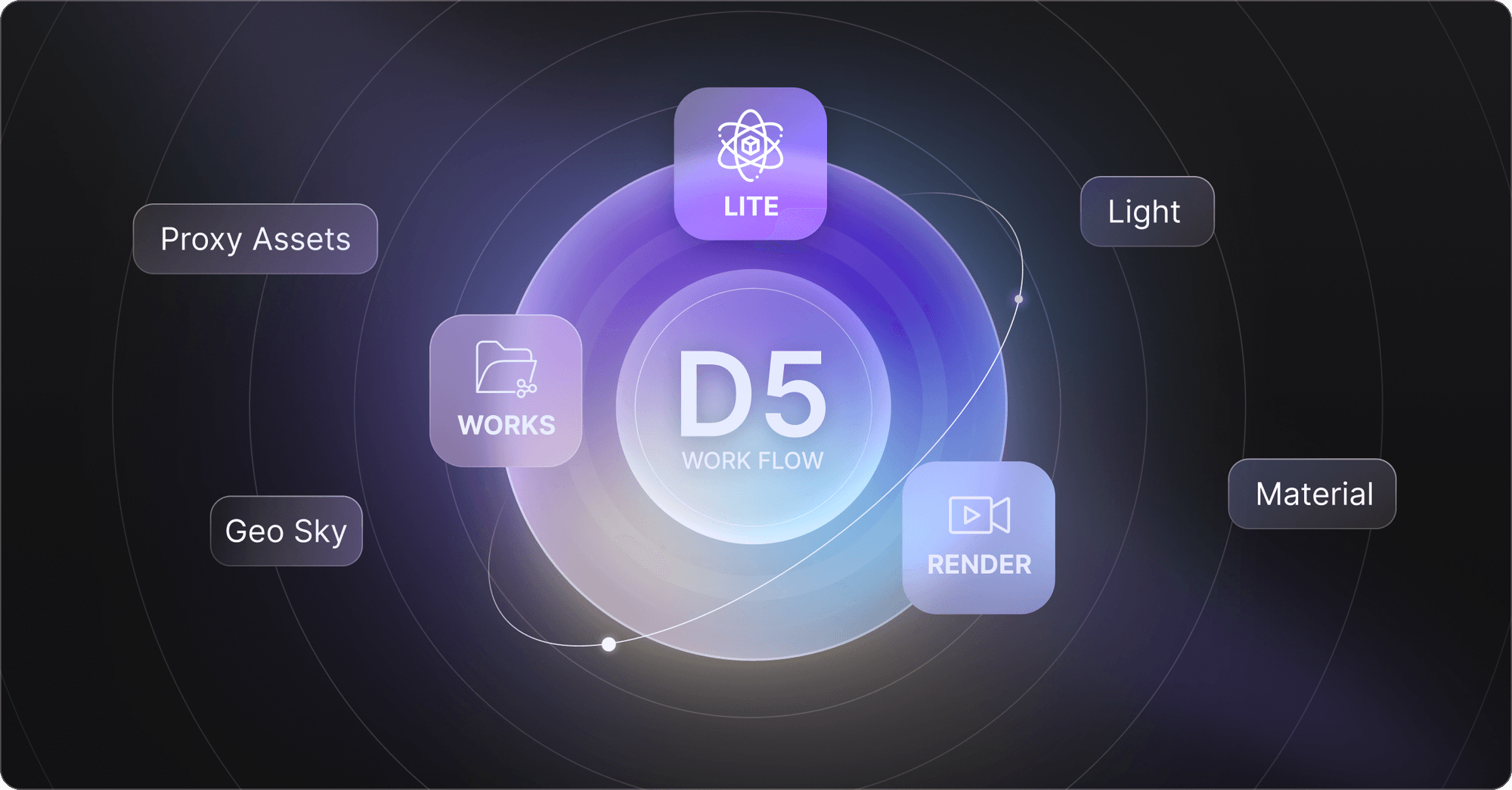
Start with a clean SketchUp model and organized geometry, then use D5 Lite and D5 Render to progressively transform the project from an early design model into a professional visualization.

Build and organize the SketchUp model
Explore visual ideas with D5 Lite
Develop materials, lighting and environment
Add assets and refine scene details
Deliver professional visuals and presentations
D5 for SketchUp: review visual decisions earlier
Lighting, environment and atmosphere can completely change how an architectural concept is perceived. Real-time visualization makes it easier to test those decisions while the design is still flexible, instead of discovering visual problems only at the final rendering stage.

Who benefits from D5 for SketchUp?
D5 Pro is particularly valuable when visualization is no longer just experimentation but an important part of your professional design process.
- Architects producing client presentations
- Interior designers creating realistic project visuals
- Freelance architectural visualization artists
- Landscape and exterior visualization specialists
- SketchUp users handling commercial projects
- Designers producing animations and immersive presentations
D5 for SketchUp: what changes with Pro?
The biggest difference is how much more of the workflow becomes available without the restrictions of a basic evaluation-focused setup.
- Unlimited access to D5 AI features
- Access to 16,000+ official assets
- Advanced environment and city-building tools
- VR, XR and Spatial Tour capabilities
- Interactive presentation workflows
- Professional commercial visualization workflow
D5 Pro Frequently Asked Questions
What do I get with D5 Pro?
D5 Pro includes the features available in the Community plan plus professional features such as unlimited access to AI capabilities, 16,000+ official assets, City Generator and Cesium integration, Spatial and XR tours, Interactive Presentation, VR walkthroughs, additional render options and 10 GB of cloud workspace storage.
Does D5 Pro cover both D5 Render and D5 Lite?
Yes. D5 describes Pro as an integrated subscription that unlocks premium capabilities across D5 Render and D5 Lite, so professional users do not need separate subscriptions for those advanced capabilities.
Is D5 Pro suitable for professional client work?
Yes. D5 positions the Community license for learning, evaluation and non-commercial use, while professional, commercial and revenue-generating work requires a D5 Pro license.
Is D5 Pro useful for SketchUp users?
Yes. SketchUp users can combine modeling with D5’s real-time visualization workflow, explore design ideas faster and continue developing the same project toward polished architectural renders, animations and presentation content.
Does D5 Pro include AI tools?
Yes. D5 Pro includes unlimited access to D5’s AI features, allowing AI-assisted visualization and design exploration to become a regular part of the workflow instead of only a limited trial.
Does D5 Pro include premium assets?
D5 Pro provides access to more than 16,000 official assets, giving architects and visualization artists a significantly larger library for building detailed scenes efficiently.
Turn Your SketchUp Models Into Professional Visual Experiences
If you already use visualization for architecture, interior design or client presentations, upgrading to D5 Pro gives you access to the advanced tools, AI capabilities, assets and presentation features designed for a more complete professional workflow.
D5 for SketchUp: a practical scene handoff
Start with a small saved test scene before sending a full project. Organize walls, glazing, furniture and vegetation into named groups, check face orientation and keep the model near a sensible origin. Save a camera scene that clearly shows your design. This gives you a repeatable baseline for checking whether synchronization preserves the model, materials and camera framing.
D5 for SketchUp offers direct model import and LiveSync. Direct import is useful for a stable handoff; LiveSync is useful while geometry is changing. Choose the supported plugin from the SketchUp software guide and the official D5 download page. Match the plugin release to your installed SketchUp and D5 versions instead of assuming that every release works with every version.
For D5 for SketchUp, connect once and inspect a recognizable object before starting continuous updates. Change one material in SketchUp, move one component and compare the result in D5. If a large update stalls, save both projects and isolate the last changed group. Repeatedly pressing synchronization buttons makes it harder to identify which change caused the problem.
Treat D5 Lite and LiveSync as different parts of the workflow. Lite provides visualization inside the modeling application; LiveSync connects the model to D5 Render. Choose the route that fits the stage of your project rather than installing overlapping tools without a purpose. The D5 Lite manual explains the supported capabilities.
Review front-face materials on glass and thin surfaces. SketchUp permits materials on both sides of a face, while the rendering workflow can interpret them differently. Check a sample window close up, then inspect the exterior and interior views. A corrected face can solve a dark or missing surface more reliably than adding more lights.
In D5 for SketchUp, set a neutral daylight baseline before adding dramatic atmosphere. Compare the same camera at the same exposure while changing only a material or light. Keep an original version of the scene so client feedback can be traced to a specific design decision. Use animation or panorama outputs only when they help explain circulation, scale or a spatial relationship.
For the final D5 for SketchUp review, inspect reflections, texture scale, vegetation density and visible furniture intersections. Compare the render to the SketchUp model rather than judging only its polish. Confirm current license terms, GPU requirements and plan inclusions on the official site before choosing a subscription. The affiliate links on this page may earn Nice Tower a commission.
D5 for SketchUp: related video demonstrations
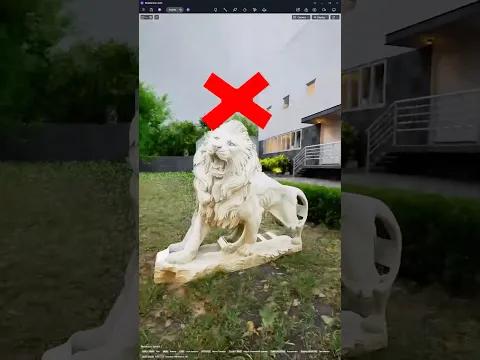
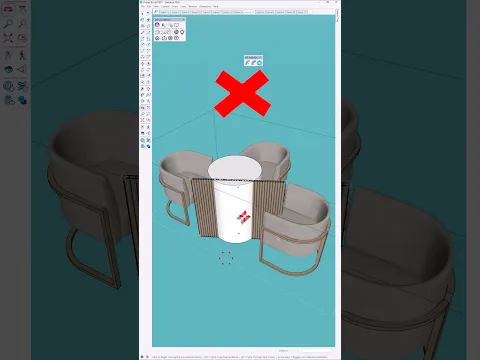
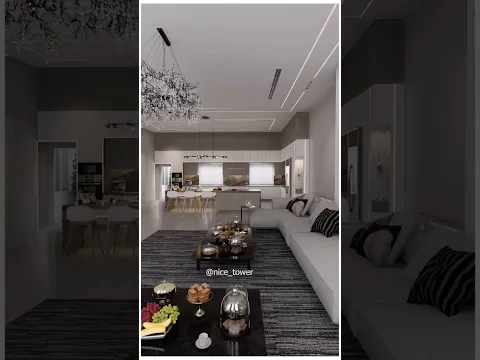
Watch these Nice Tower demonstrations to explore D5 image-to-3D assets, see D5 Lite bring a design to life and compare design options in D5 Render. Use them alongside the scene preparation and synchronization checks above, then test the workflow on your own SketchUp project.