
Modern Wall Design – Simple & Elegant Look in SketchUp
Project Overview
In this tutorial, I show you how to design a simple yet elegant wall composition in SketchUp.
The focus of this lesson is on clean geometry, decorative shelving, and the use of natural stone textures to create a modern and stylish feature wall.
This tutorial is ideal for interior designers, students, architects, and beginners who want to learn fast and effective wall design techniques.
What You Will Learn
This tutorial focuses specifically on:
Creating a clean and modern wall layout using simple modeling steps
Designing built-in shelves with vertical panel detailing
Applying realistic stone textures for a strong visual impact
Balancing materials, proportions, and accessories for an elegant final look
👉 Please note:
This tutorial focuses on modeling only.
All decorative objects, vases, and accessories used in the design are ready-made imported objects, added only to support the final visual composition.
About the Project
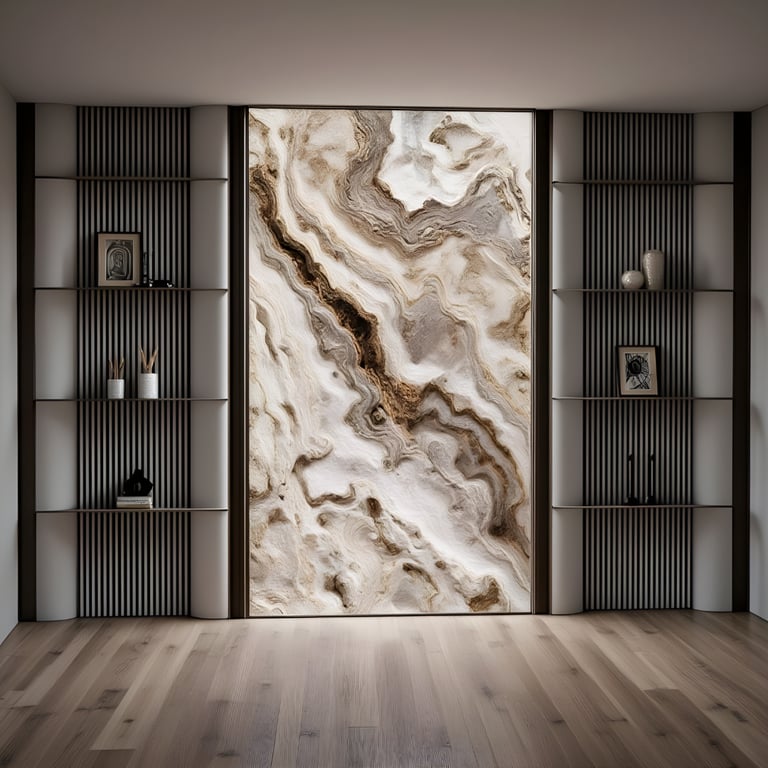
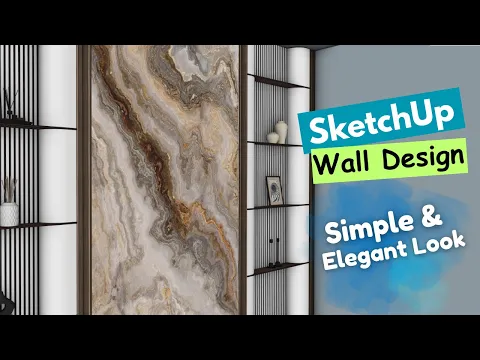
This wall design combines vertical fluted panels, warm wood shelves, and a large stone centerpiece to create a simple yet elegant modern feature wall.
The contrast between textures gives the design a luxurious and contemporary feel, making it suitable for living rooms, offices, bedrooms, or reception areas.
This project is perfect for interior visualization, presentation boards, and modeling practice.
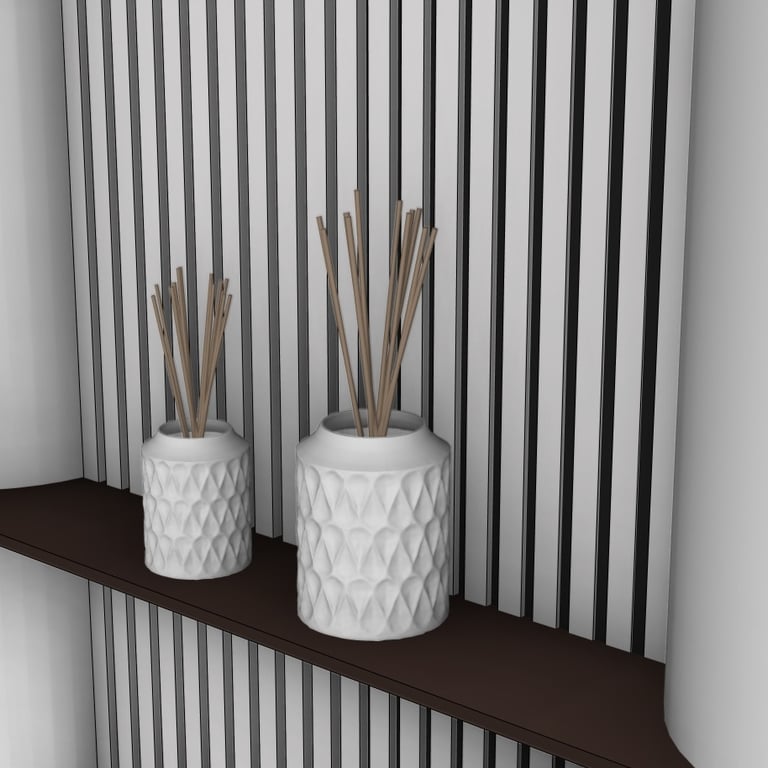
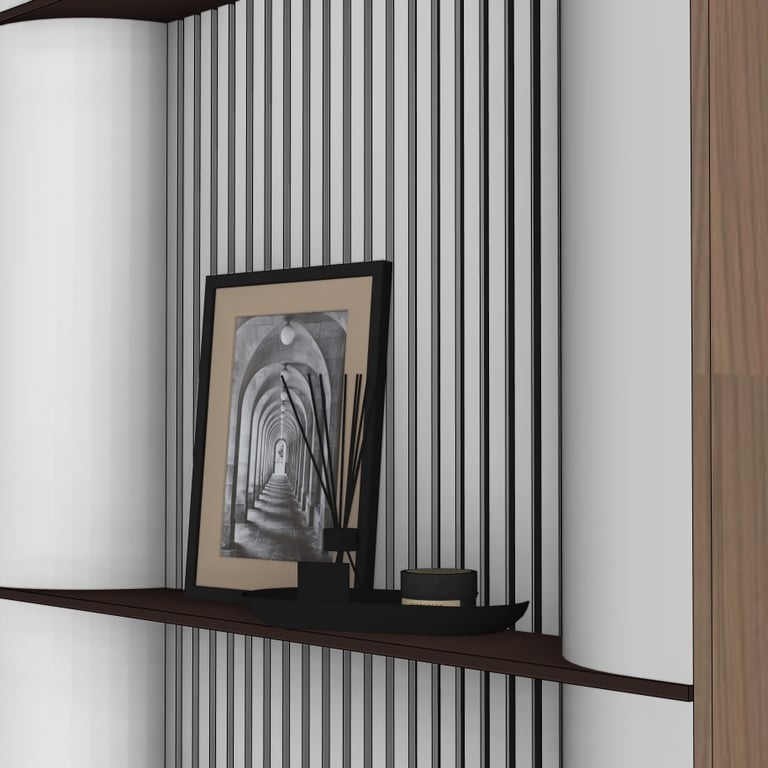
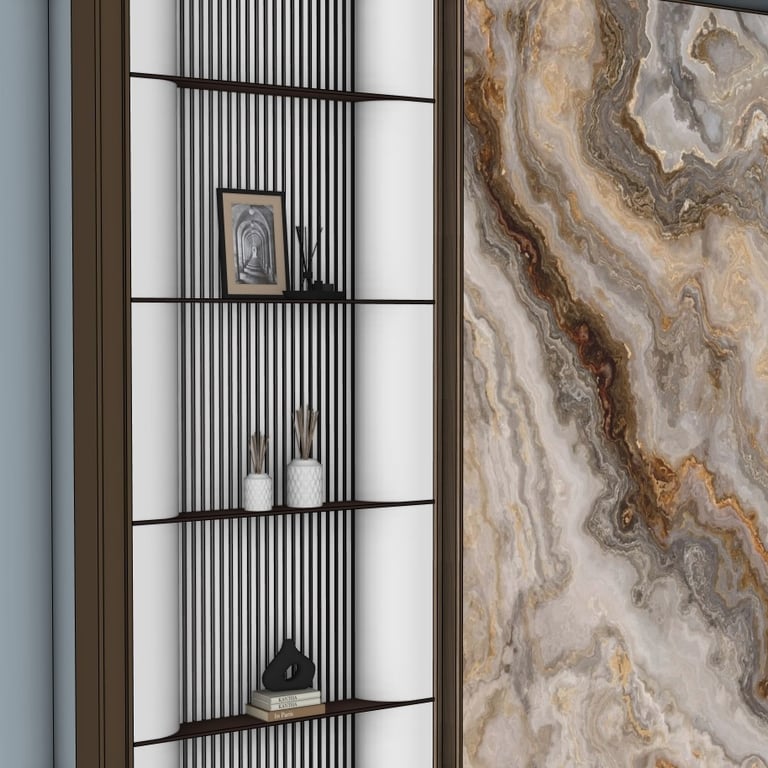
Below you can find several preview images taken directly from the SketchUp model:
Watch the Full Tutorial
Download the SketchUp File
If you want to explore or use the complete model, you can purchase and download the SketchUp file using the link below: