
Luxury Lobby Interior Design 3D Modeling with SketchUp
Project Overview
In this tutorial, I show you how to model a luxury lobby interior in SketchUp, focusing on elegant wall compositions, curved decorative elements, and modern furniture arrangement.
This lesson is perfect for interior designers, architects, students, and 3D artists who want to create high-end commercial and hospitality spaces.
What You Will Learn
This tutorial focuses specifically on:
Designing luxurious feature walls with curved and layered decorative panels
Creating clean vertical accents using simple SketchUp modeling techniques
Arranging modern lounge furniture to build a comfortable seating area
Applying materials that create a premium, elegant lobby atmosphere
👉 Please note:
This tutorial focuses on modeling only.
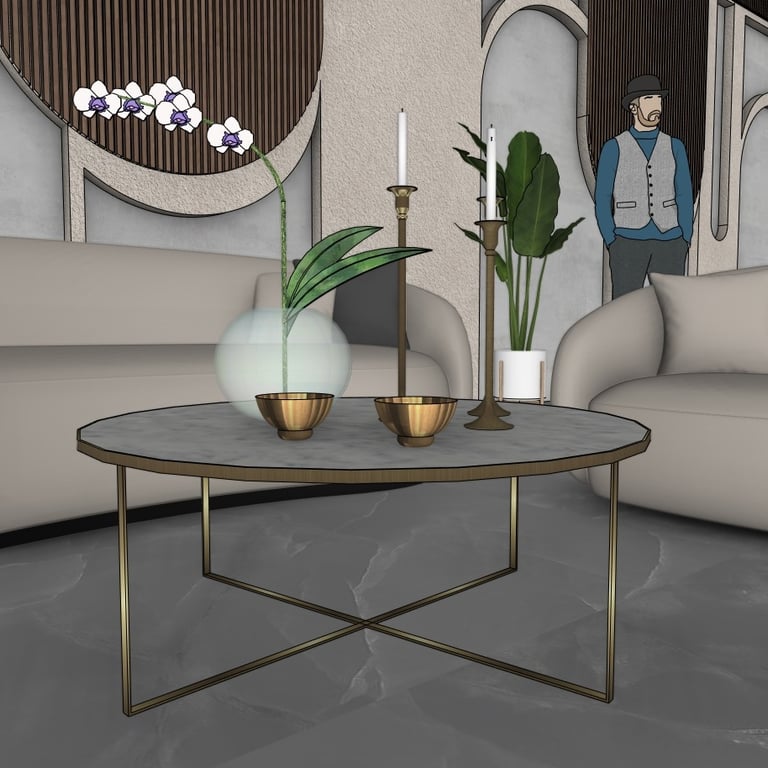
All furniture, plants, décor items, and accessories are ready-made imported objects used only to support the overall presentation of the design.
About the Project
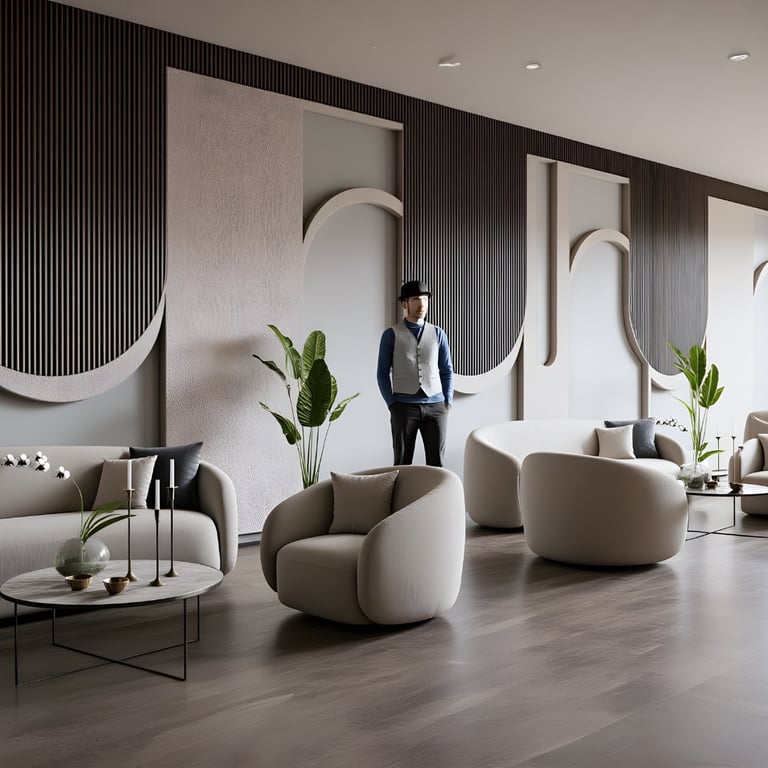
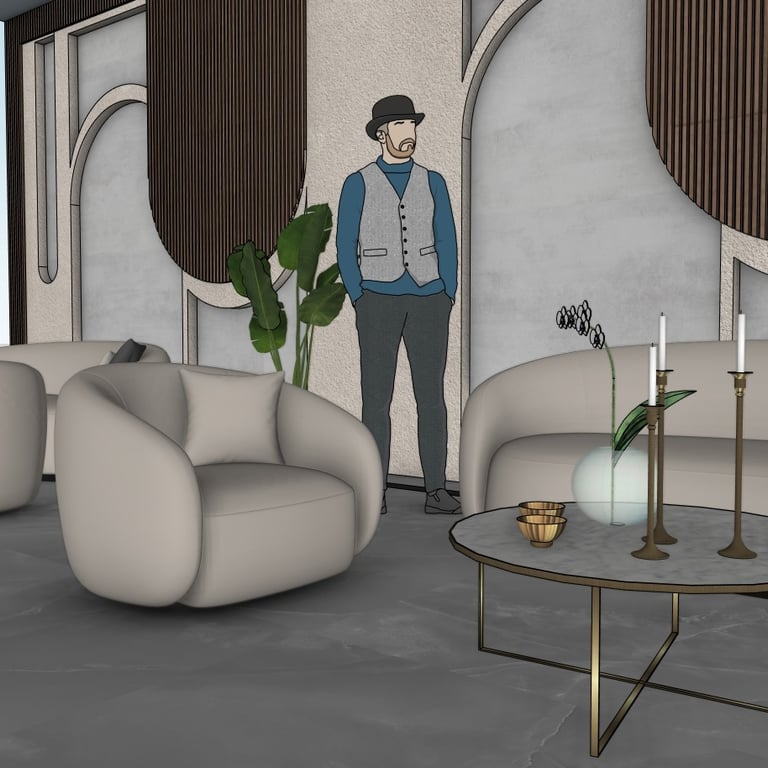
This lobby design blends curved architectural elements, soft fabric seating, and rich material contrasts to create a luxurious environment suitable for hotels, offices, and commercial spaces.
The use of vertical wood panels, minimalistic curves, and neutral tones helps create a calm yet sophisticated ambiance.
This project is perfect for interior visualization, concept design, and portfolio presentations.
Below you can find several preview images taken directly from the SketchUp model:

Watch the Full Tutorial

Download the SketchUp File
If you want to explore or use the complete model, you can purchase and download the SketchUp file using the link below: