
Modern Coffee Shop Design 3D Modeling with SketchUp
Project Overview
In this tutorial, I guide you step by step through the process of creating a modern café interior in SketchUp.
The focus of this lesson is on wall detailing, classic arch niches, material selection, and overall coffee shop composition.
This tutorial is ideal for interior designers, architecture students, café owners, and 3D modelers who want to design stylish and welcoming commercial spaces.
What You Will Learn
This tutorial focuses specifically on:
Designing modern wall panels and decorative arch niches
Using brick textures with clean molding details for a unique café aesthetic
Arranging tables, chairs, and seating areas to create a functional layout
Applying simple materials and colors to build a modern and cozy coffee shop environment
👉 Please note:
This tutorial focuses only on the modeling workflow.
All furniture and accessories shown in the scene are ready-made imported objects, used only to support the final design presentation.
About the Project
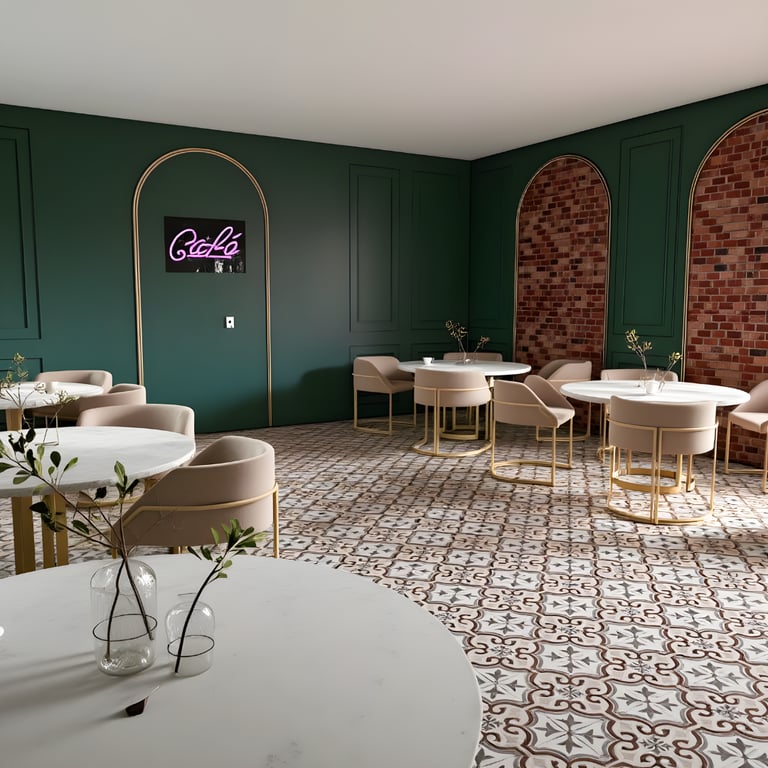
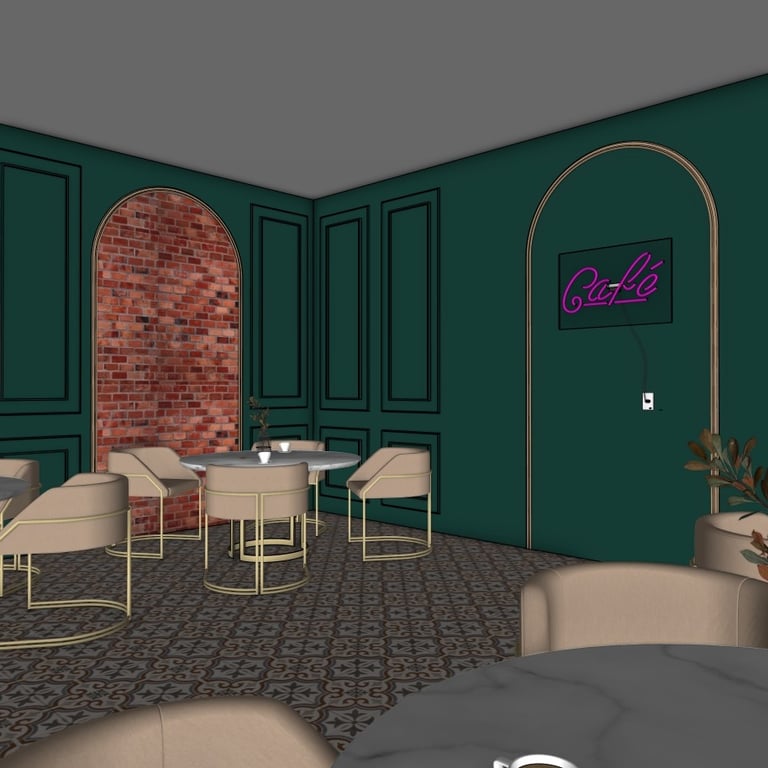
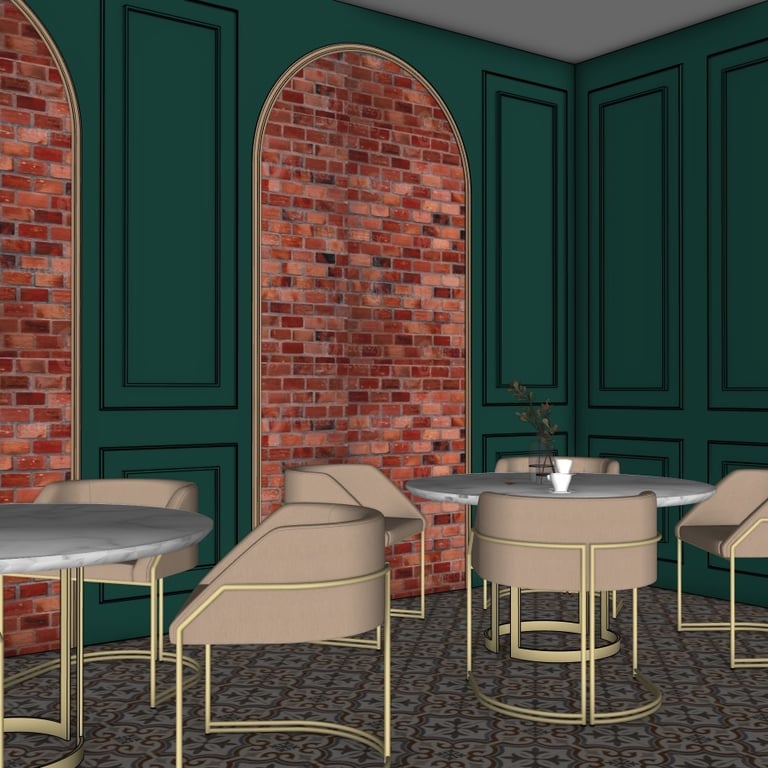
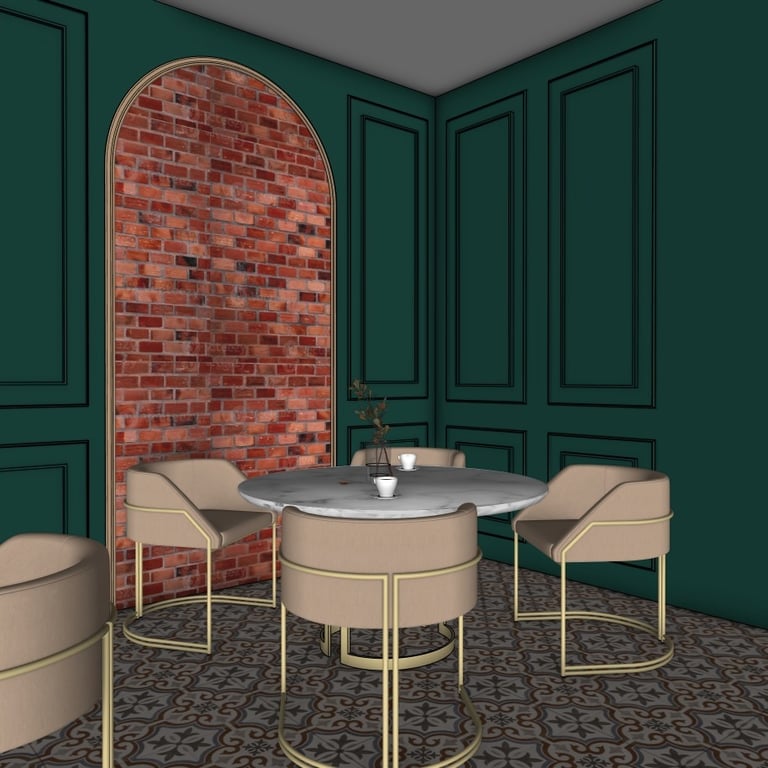
This café design blends warm brick textures, modern green wall panels, and soft beige seating to create a stylish and inviting environment.
The combination of arch openings, clean geometric framing, and decorative finishes gives the space a unique personality that fits modern boutique coffee shops.
This project is perfect for concept presentations, interior design portfolios, and 3D visualization in the hospitality field.
Below you can find several preview images taken directly from the SketchUp model:
Watch the Full Tutorial

Download the SketchUp File
If you want to explore or use the complete model, you can purchase and download the SketchUp file using the link below: