
Modern Living Room Design – Step by Step in SketchUp
Project Overview
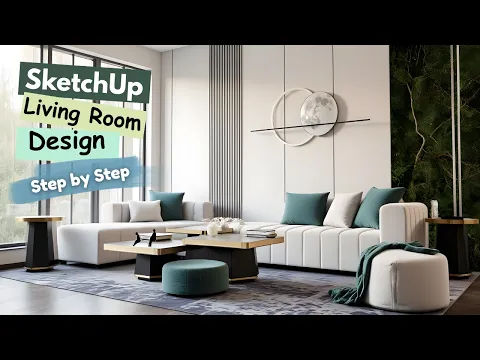
In this step-by-step tutorial, I show you how to design a modern living room interior in SketchUp.
This lesson focuses on wall design, clean geometry, and decorative panel details, helping you build a stylish and realistic living room scene from scratch.
This tutorial is perfect for interior designers, architects, 3D artists, and beginners who want to learn modern interior modeling techniques in a clear and simple workflow.
What You Will Learn
How to model clean and modern wall panels
How to design a stylish living room layout step by step
How to apply materials and textures for a realistic interior look
How to organize the room composition using simple, effective techniques
👉 Note:
Lighting, rendering techniques, and furniture modeling are not covered in this tutorial.
All furniture and accessories used are ready-made imported objects, included to enhance the visual result.
About the Project
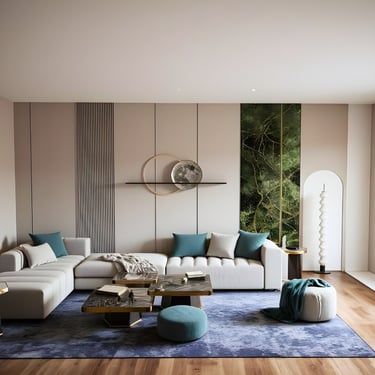
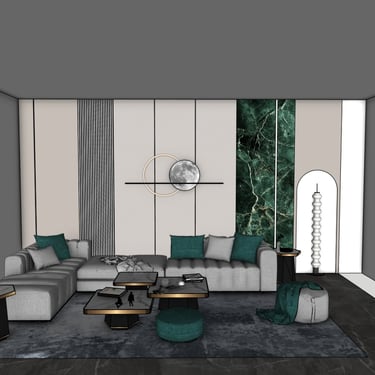
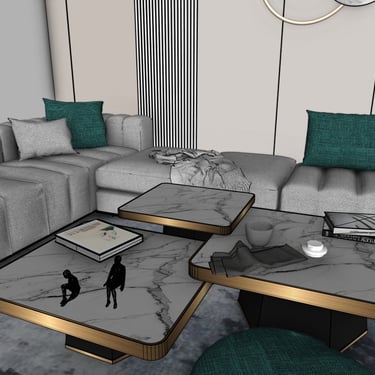
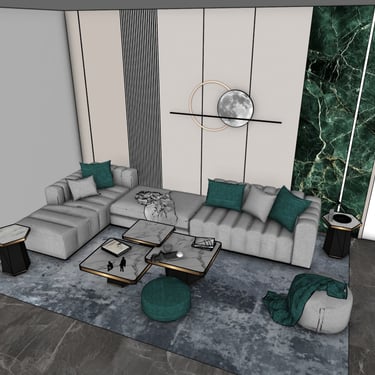
The design features a bright, modern living room with soft textures, minimalistic paneling, and elegant decorative elements.
Neutral colors combined with green accents create a calm and balanced atmosphere.
This project is ideal for use in presentations, concept design, and interior visualization.
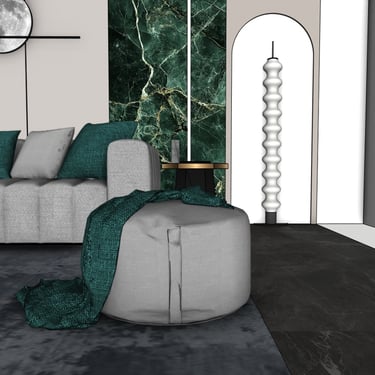
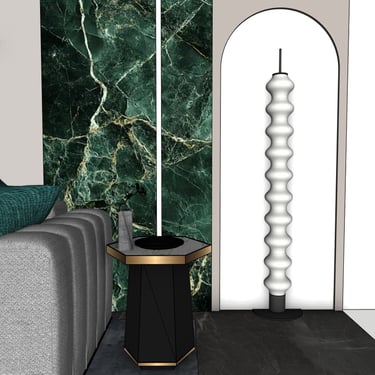
Below are some preview images taken directly from the SketchUp model:
Watch the Full Tutorial
Download the SketchUp File
If you want to explore or use the complete model, you can purchase and download the SketchUp file using the link below: