
Office design in SketchUp: from layout to presentation
Plan a workplace that supports circulation, individual work and meetings before choosing finishes. This guide brings together practical office modeling lessons, a clear planning workflow and related furniture resources. Use a measured plan as your starting point and compare alternative layouts in the same SketchUp scene.
Begin with the room boundaries, openings and fixed services. Identify reception, desks, meeting space and storage, then review how people move between them. Keep furniture and partitions separate from the building geometry so you can revise the arrangement without rebuilding the model.
Build and compare a useful workplace layout
Create components for repeated desks and chairs, and use separate groups for partitions, storage and ceiling elements. Review the layout from above and at eye level: a balanced perspective can hide a crowded route or an awkward entrance. Check clearances against the requirements of your actual project.
Save scenes for the reception, main work area and meeting space. Compare two layouts from identical camera positions and note what changes in circulation, daylight and sightlines. Add materials after the arrangement is clear, then review their scale in close-up views.
Office and conference room video tutorials
Practice an office makeover, a meeting room and a modern office interior with Nice Tower. Open a lesson in a new tab and adapt it to your own project.
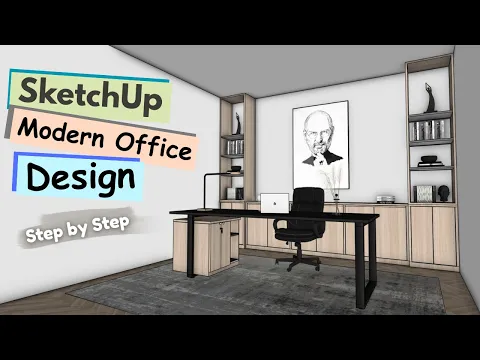
Classic to Modern Office Makeover in SketchUp | Before & After
Explore a classic-to-modern office makeover and compare the design changes.
Watch on YouTube ↗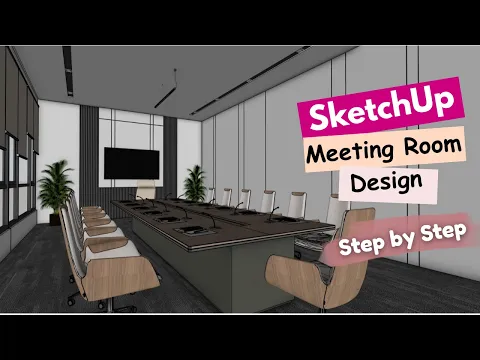
Conference room modeling
Build a meeting-room layout with wall details and a presentation-ready composition.
Watch on YouTube ↗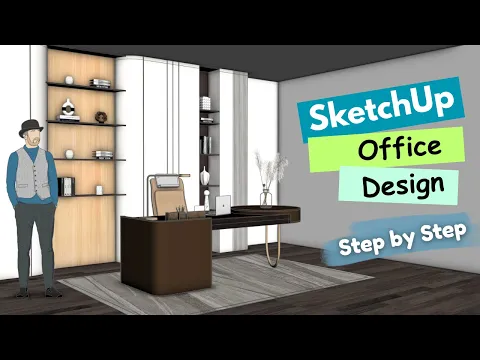
Prepare a clear client presentation
Show an overall plan, a perspective of the main work area and a closer meeting-room view. Check important dimensions and model details before rendering. If you use AI rendering, compare the output with the source model and review altered furniture, openings and proportions.
For another demonstration, open the existing Nice Tower office design video. Continue with office modeling or the conference room guide.
Choose resources for your next office project
Browse office furniture models and chair models to test the arrangement. Check scale, SketchUp compatibility and file details before importing an asset.
Build your skills with interior design tutorials, explore AI rendering workflows, or compare live SketchUp courses.