
Modern Office Design 3D Modeling with SketchUp
Project Overview
In this tutorial, I show you how to create a modern office interior in SketchUp, focusing on functional design, clean geometry, and decorative wall elements.
This lesson is ideal for interior designers, architects, students, and 3D beginners who want to design elegant and practical workspaces for offices or home studios.
What You Will Learn
This tutorial focuses on:
Designing a modern office wall with clean and simple geometric lines
Creating custom shelving units with decorative objects
Applying realistic wood, metal, and neutral material combinations
Building a functional desk layout using a step-by-step modeling workflow
👉 Please note:
This tutorial covers only the modeling process.
All furniture pieces, books, vases, and decorative accessories are ready-made imported objects, added only to support the final design composition.
About the Project
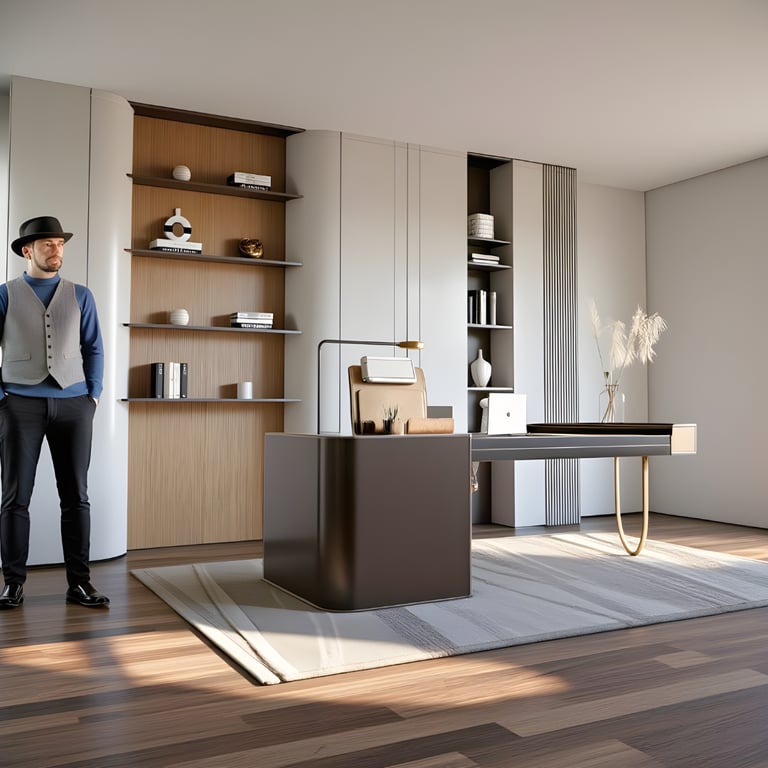
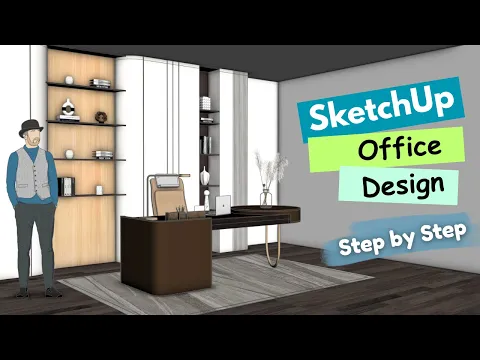
This office design combines clean vertical panels, warm wood shelving, and a modern executive desk to create a balanced, stylish, and productive environment.
The neutral color palette and minimalistic décor make the space suitable for corporate offices, home workspaces, and design portfolios.
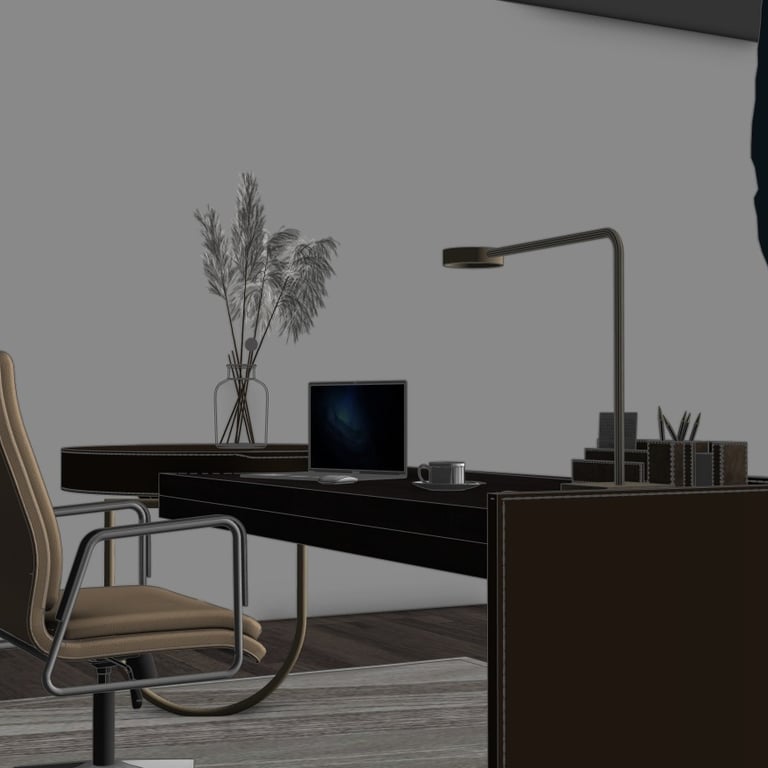
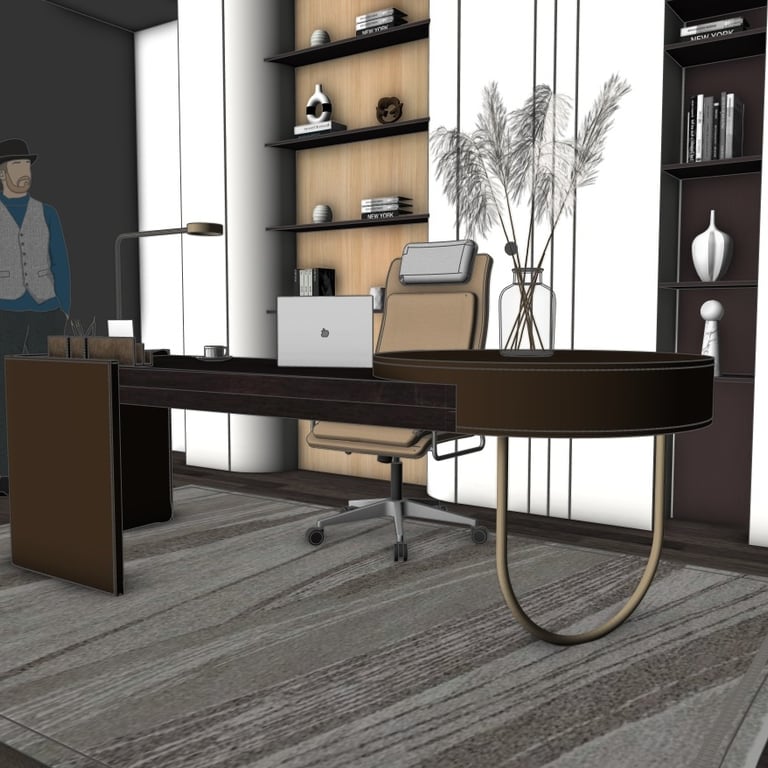
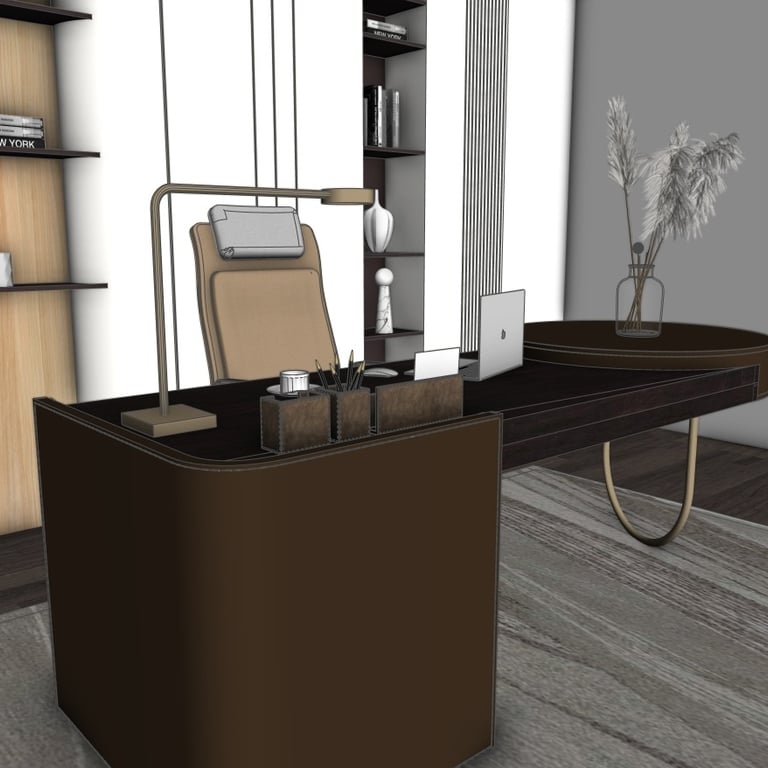
Below you can find several preview images taken directly from the SketchUp model:
Watch the Full Tutorial
Download the SketchUp File
If you want to explore or use the complete model, you can purchase and download the SketchUp file using the link below: