
Exterior design in SketchUp: building form, facade and context
Develop an exterior proposal from the site and building mass to openings, materials and presentation views. These Nice Tower lessons help you practice villa modeling and facade details while keeping the design editable. Start with the dimensions and site information available for your project rather than judging everything from a render.
Mark the main approach, entrances and outdoor connections. Compare the building proportions from the street and from eye level, then organize walls, roofs and openings into separate groups. Use components for repeated windows and facade elements so changes remain consistent.
Plans, villas and exterior modeling
Start with the building form and learn how a floor plan develops into a readable exterior model.
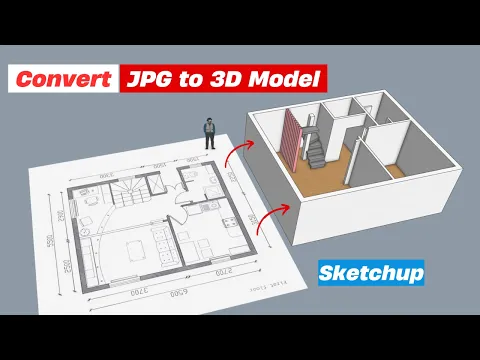
Transform 2D Floor Plans into Stunning 3D Models in SketchUp!
Follow the Nice Tower modeling demonstration and adapt the geometry to your own project dimensions.
Watch on YouTube ↗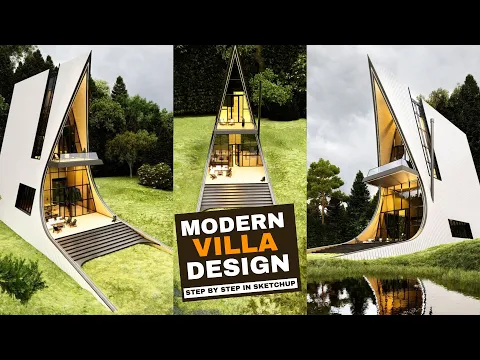
Modern Villa design step by step in SketchUp!
Follow the Nice Tower modeling demonstration and adapt the geometry to your own project dimensions.
Watch on YouTube ↗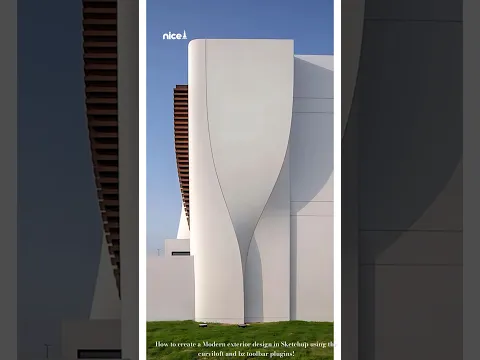
Create a modern exterior design in SketchUp
Follow the Nice Tower modeling demonstration and adapt the geometry to your own project dimensions.
Watch on YouTube ↗Facade details and architectural tools
Refine the envelope with facade patterns, window frames and practical modeling tools.
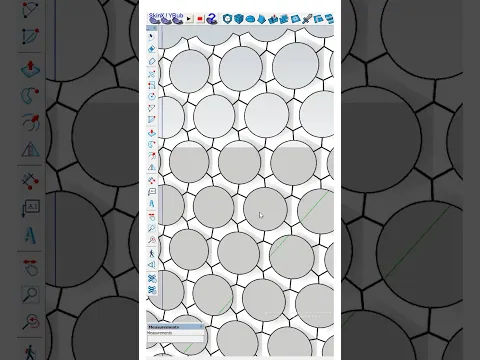
Model a honeycomb façade in SketchUp
Follow the Nice Tower modeling demonstration and adapt the geometry to your own project dimensions.
Watch on YouTube ↗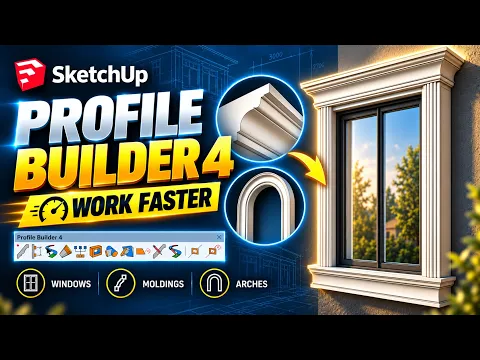
Model Classic Window Frames Fast in SketchUp | Profile Builder 4 Tutorial
Follow the Nice Tower modeling demonstration and adapt the geometry to your own project dimensions.
Watch on YouTube ↗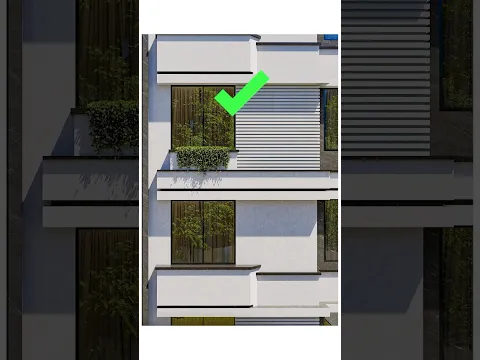
Exterior design with 1001bit Tools
Follow the Nice Tower modeling demonstration and adapt the geometry to your own project dimensions.
Watch on YouTube ↗Compare materials, shade and landscape connections
Save scenes for the street approach, entrance and garden connection. Compare materials from the same camera position and check their texture scale. Add planting and furniture where they explain the proposal, keeping high-detail assets separate while you test the design.
Use shadow studies to compare visual shade concepts, and review roof edges, openings and pathways in the original model before preparing final imagery. A rendering communicates the proposal; it should not replace checking the actual geometry or project requirements.
Continue with related exterior resources
Browse facade models, door and window resources, and landscape models. For outdoor structures, continue with the pergola guide.
Watch the previous exterior design demonstration, explore more exterior tutorials, or practice landscape design. For presentation options, see the D5 workflow and AI rendering guide.