
Table of Contents
NICE TOWER ACADEMY · INTERIOR MODELING
SketchUp bedroom design: 3 Practical Video Tutorials
Learn SketchUp bedroom design through a practical Nice Tower modeling project. This guide focuses on headboard walls, decorative panels, comfortable room proportions and material coordination. It is suitable for architects, interior designers and students who want to develop clear 3D interiors for concept studies, portfolios and design presentations. Follow the main lesson, then use the related tutorials to practice a specific part of the workflow.
The project teaches the modeling process. Furniture, accessories and decorative objects in the original scene are ready-made imported assets used to support the presentation. Advanced lighting and rendering are separate skills; the learning path below helps you organize the geometry and materials before moving to visualization.
Plan the modern bedroom design project
Start with the bed position, entrance and window openings. Leave the room shell simple while you compare furniture placement. Keep the headboard wall, storage and imported furniture in separate groups so a change to one element does not disturb the rest.
Work at the correct units and check important dimensions with the Tape Measure tool. Group the room shell before adding interior details, and use components for elements that repeat. Save an early version of the model so you can return to a clean layout if an experiment becomes too complicated.
Develop the details and materials
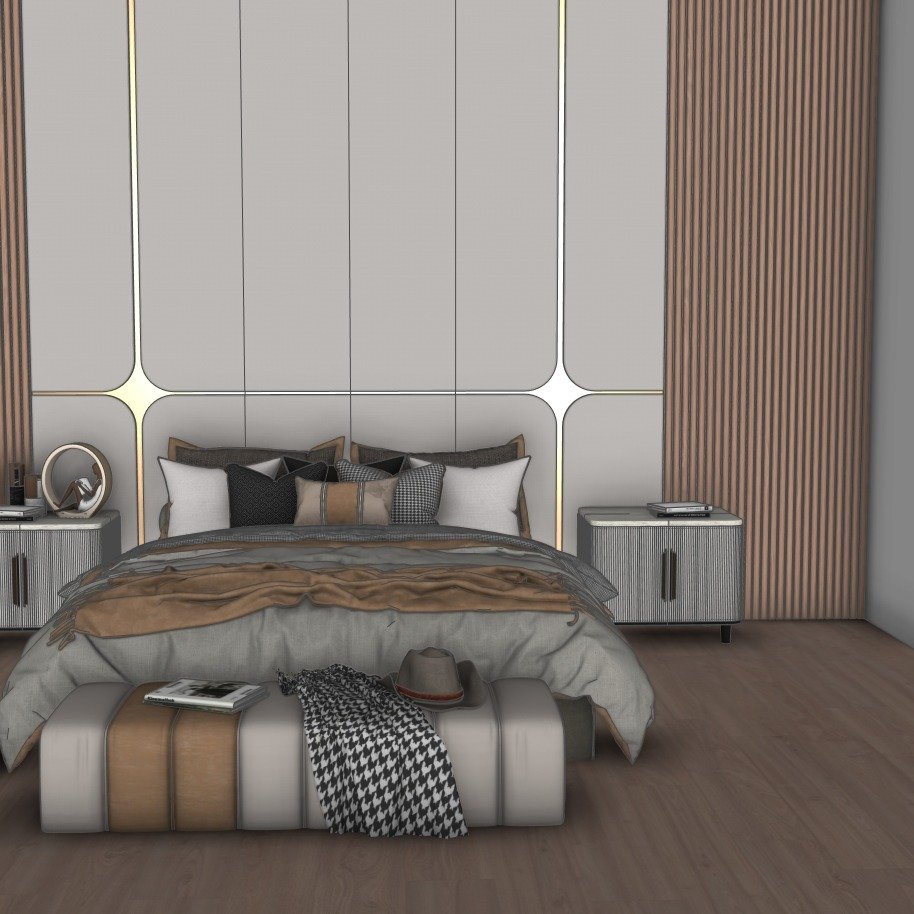
Develop the headboard wall using a few clear divisions. Align panel edges with the bed and bedside areas, and compare narrow and wide panel spacing before repeating components. Use wood, fabric and painted finishes in a restrained palette so the main design reads clearly.
Inspect edges and faces as you work, remove accidental duplicate geometry and give groups useful names. Keep imported objects on their own tags so they can be hidden while you edit the architectural elements. These habits make a SketchUp interior model easier to revise and prepare for presentation.
Watch the main lesson and related tutorials
The first video matches this page’s project topic. The other Nice Tower lessons offer related modeling practice and alternative design ideas. Open a lesson in a new tab, pause at useful stages and reproduce the geometry in your own model before adding extra detail.
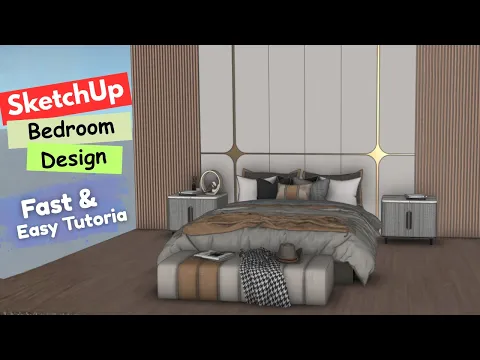
Modern bedroom design
Develop a headboard wall, panel details and the bedroom composition.
Watch on YouTube ↗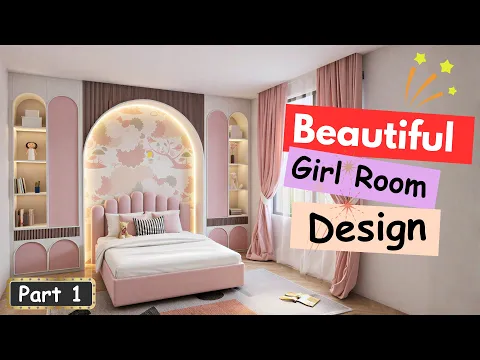
Beautiful Girl Room Design in SketchUp | Step-by-Step Tutorial
Practice a complete room design with a guided bedroom project.
Watch on YouTube ↗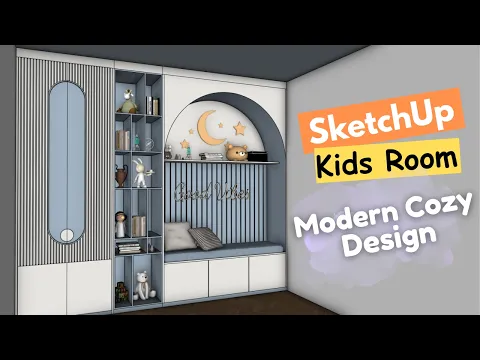
Kids Room Storage Wall in SketchUp | Wardrobe, Shelves & Bench
Model a coordinated kids-room storage wall with shelves, wardrobe and bench.
Watch on YouTube ↗Practice your SketchUp bedroom design workflow
Produce two headboard options in the same room: one with flat panels and one with a stronger vertical rhythm. Capture the same camera angle for both versions and compare balance, scale and visual clutter.
When reviewing your SketchUp bedroom design model, check the main views for overlapping objects, reversed faces, inconsistent texture scale and unnecessary detail. A useful presentation should explain the layout and design intent clearly. Keep your working file organized and save a separate presentation version if you need to test materials or export images.
Common modeling mistakes to avoid
- Editing loose geometry together with imported furniture instead of separating groups.
- Repeating detailed objects before checking the basic room proportions.
- Using textures at inconsistent scales or applying too many competing finishes.
- Changing the camera between design alternatives, making comparison difficult.
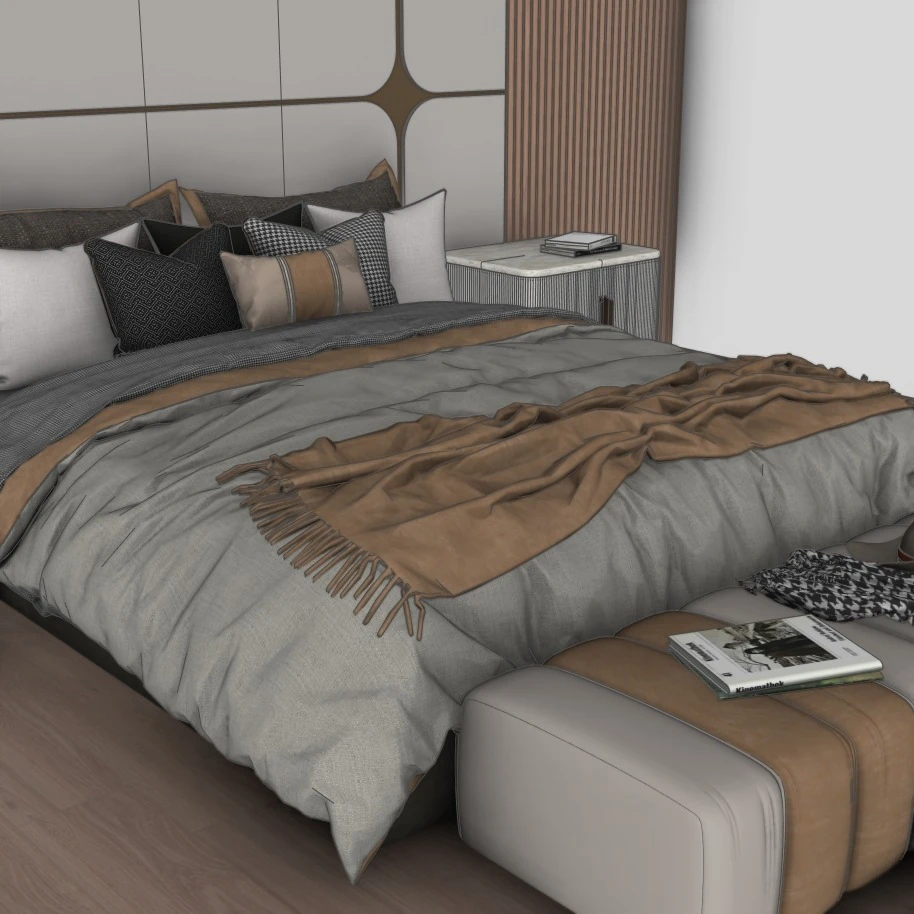
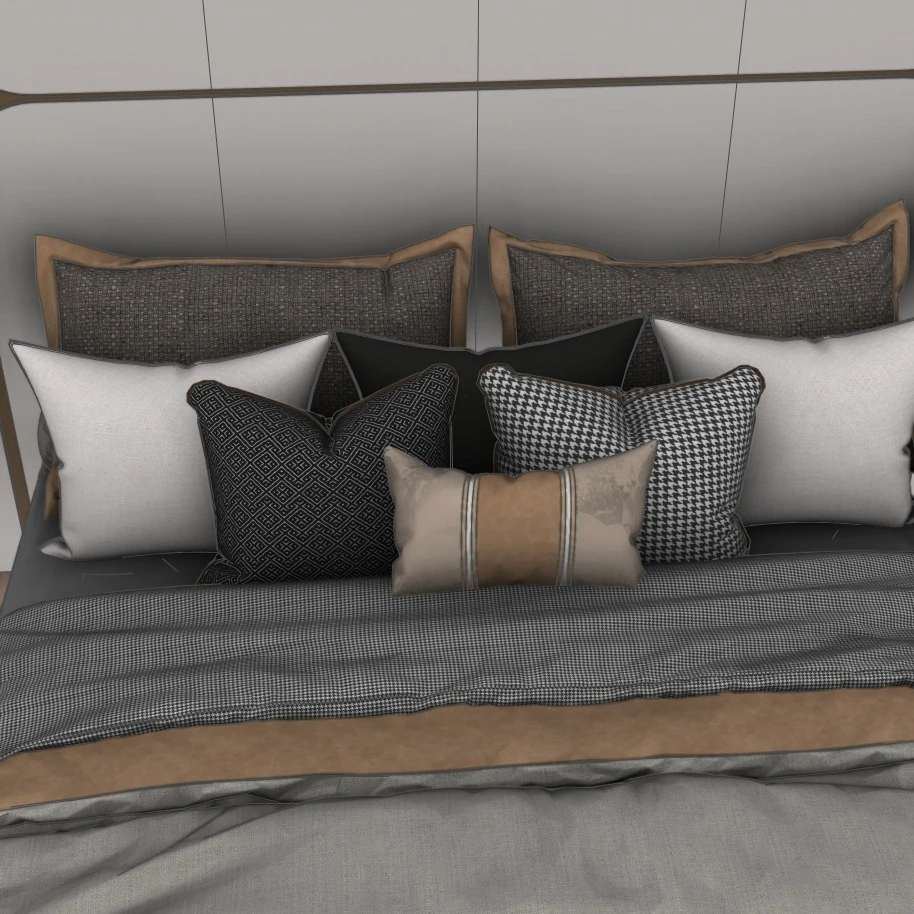
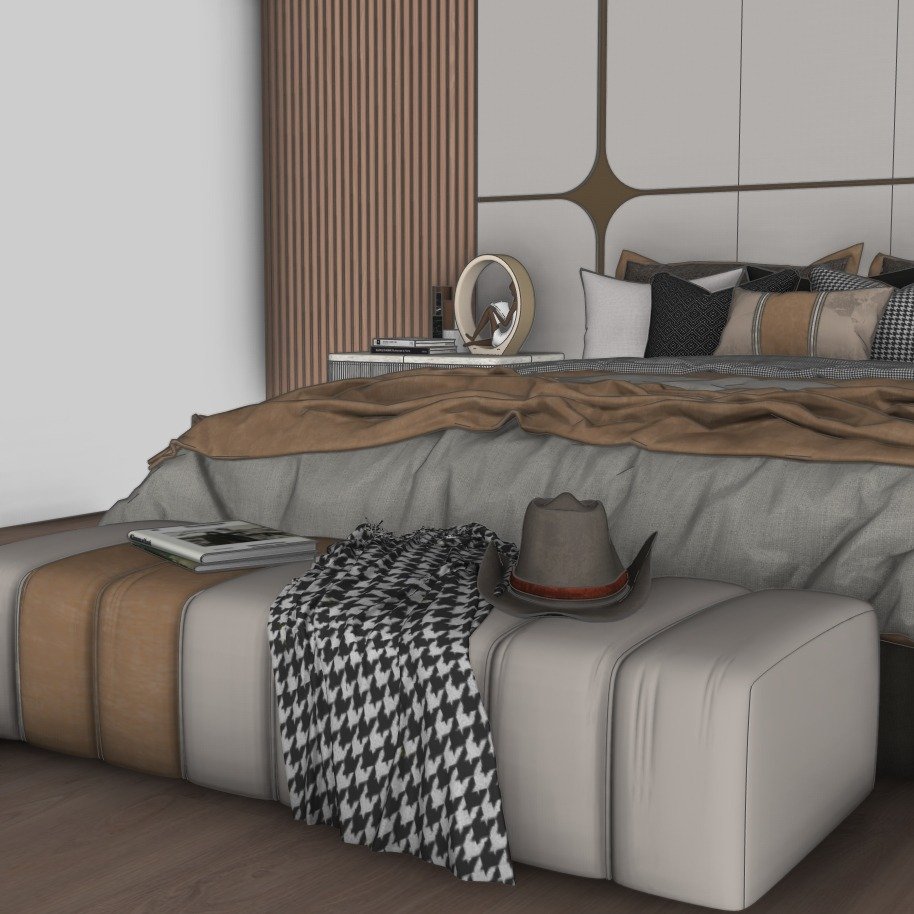
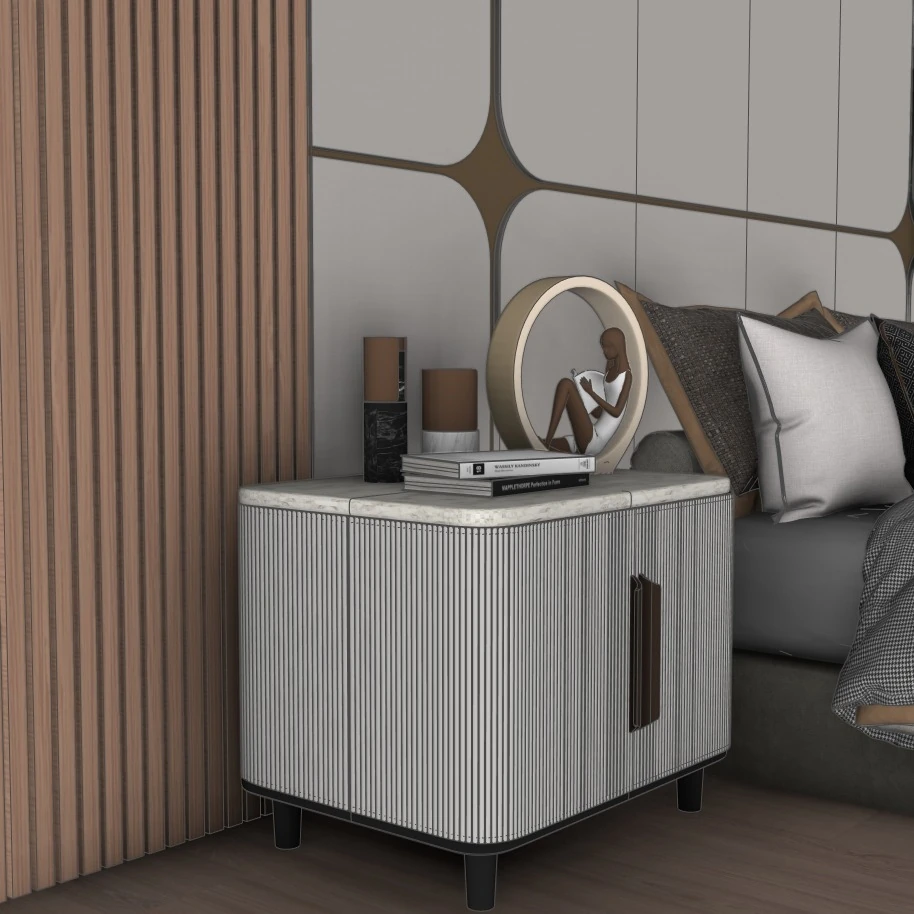
SketchUp bedroom design project previews
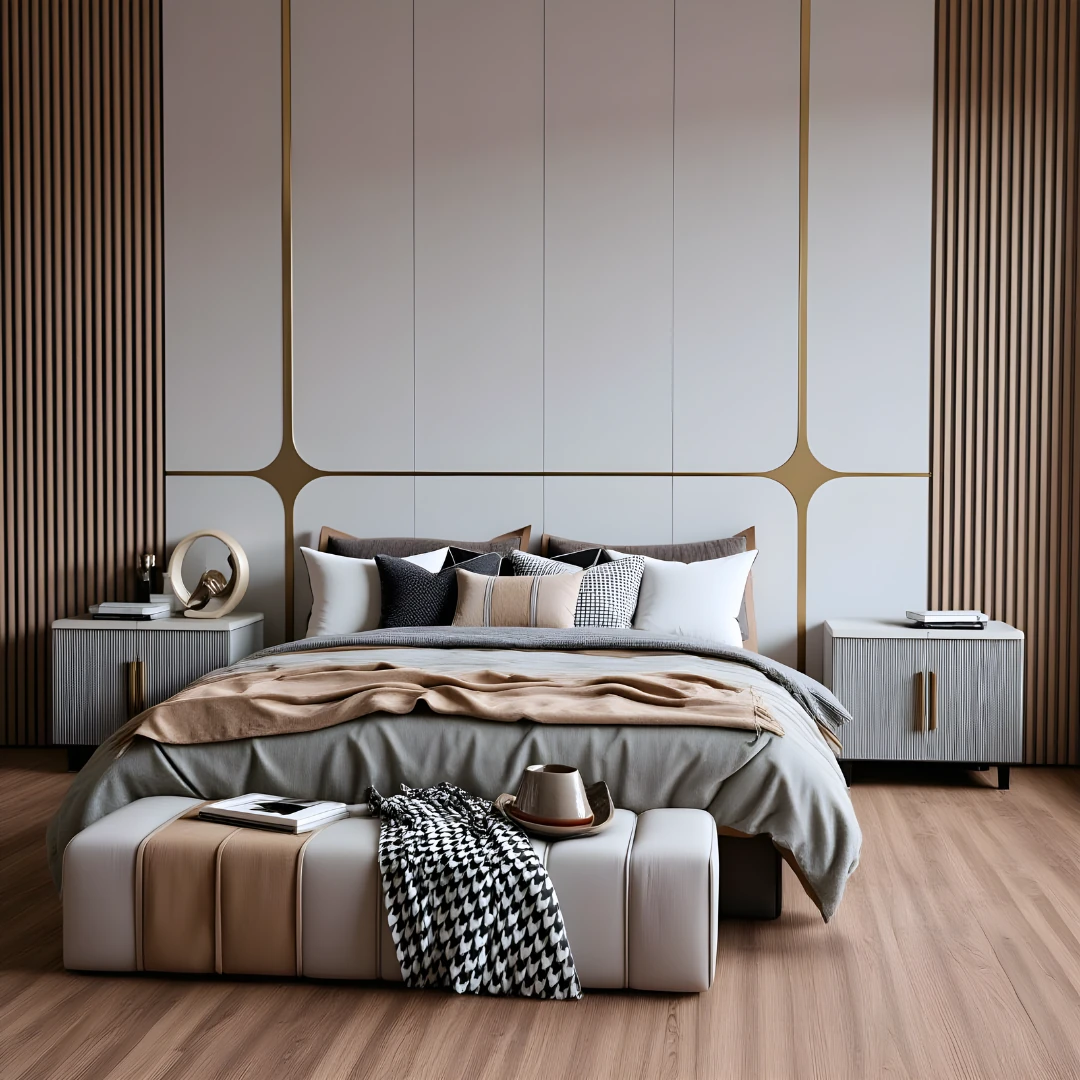
These images come from the existing project page. Use them to compare the overall composition and architectural details while following the lessons. Open an image in a new tab for a closer look.
Continue your SketchUp bedroom design learning path
For more practice, explore the related interior modeling project or browse our SketchUp tutorial library. If you need ready-made components for a scene, visit the SketchUp 3D model collection and check each model’s individual availability and terms. For guided learning, compare the online SketchUp courses.
Frequently asked questions
Does this tutorial include furniture modeling?
The original project focuses on architectural interior modeling. Ready-made furniture and accessories support the scene; the related videos may cover additional topics described on their cards.
Can I adapt the project to a different room?
Yes. Start with your own measured room shell, adjust the major proportions and test the layout before copying decorative details. Check dimensions and materials against your project requirements.
Is the SketchUp project file automatically included?
Watching a linked tutorial does not automatically provide its project file. Check the relevant video description or model listing for the current download option and any purchase or usage terms.