
Outdoor Models — SketchUp Project Resources
Choose outdoor SketchUp resources for three different tasks: seating along a route, a structure that defines a garden space, or a sheltered lounge area. The six previews below link to individual model pages; use those pages for the current file version, availability and licence rather than treating the preview as a download.
Start with a plan of your site and mark the paths, planting beds and intended seating areas. Compare a straight bench with the circular tree-bench option, or review the pavilion and pergola references for the zone you want to study. Keep the existing site measurements visible while you test placement; these resources support a design study, not structural or accessibility certification.
On this page
Outdoor Models: selected models
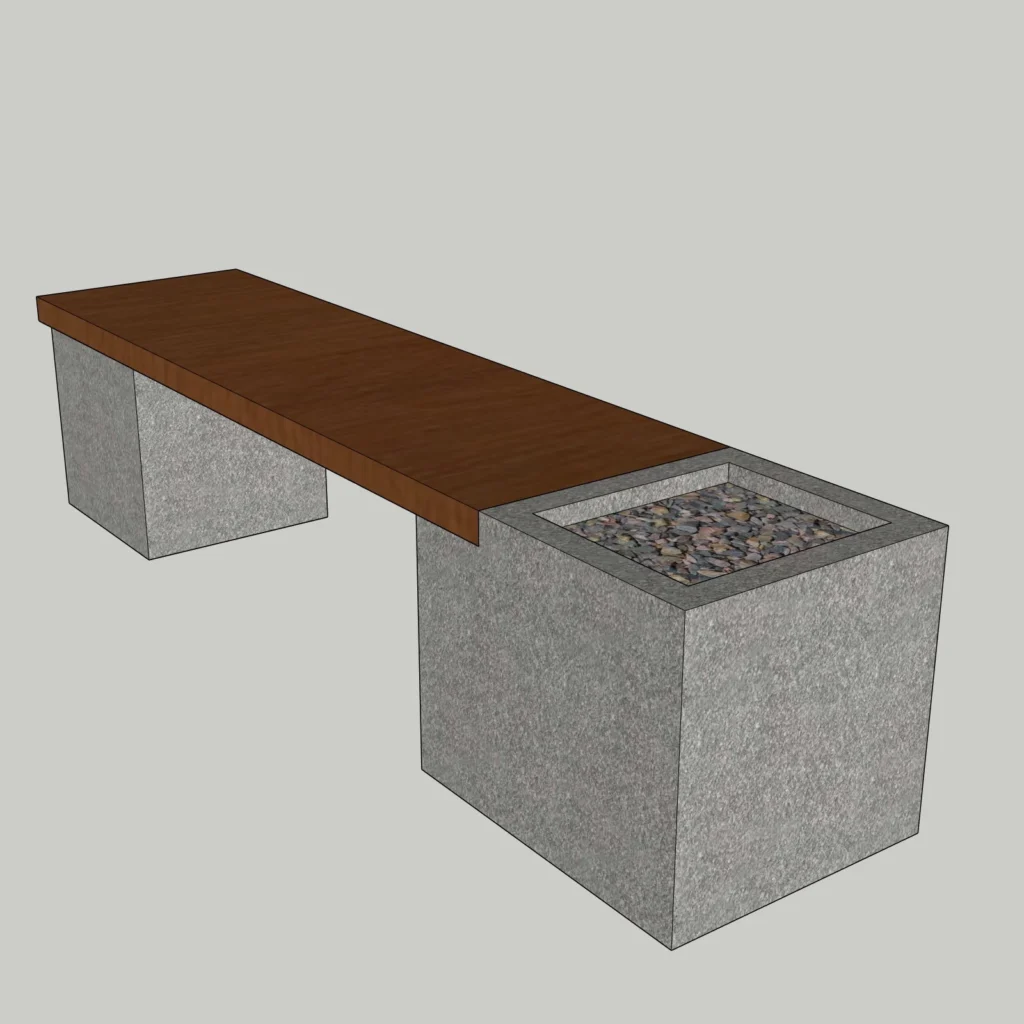
Modern Concrete Bench
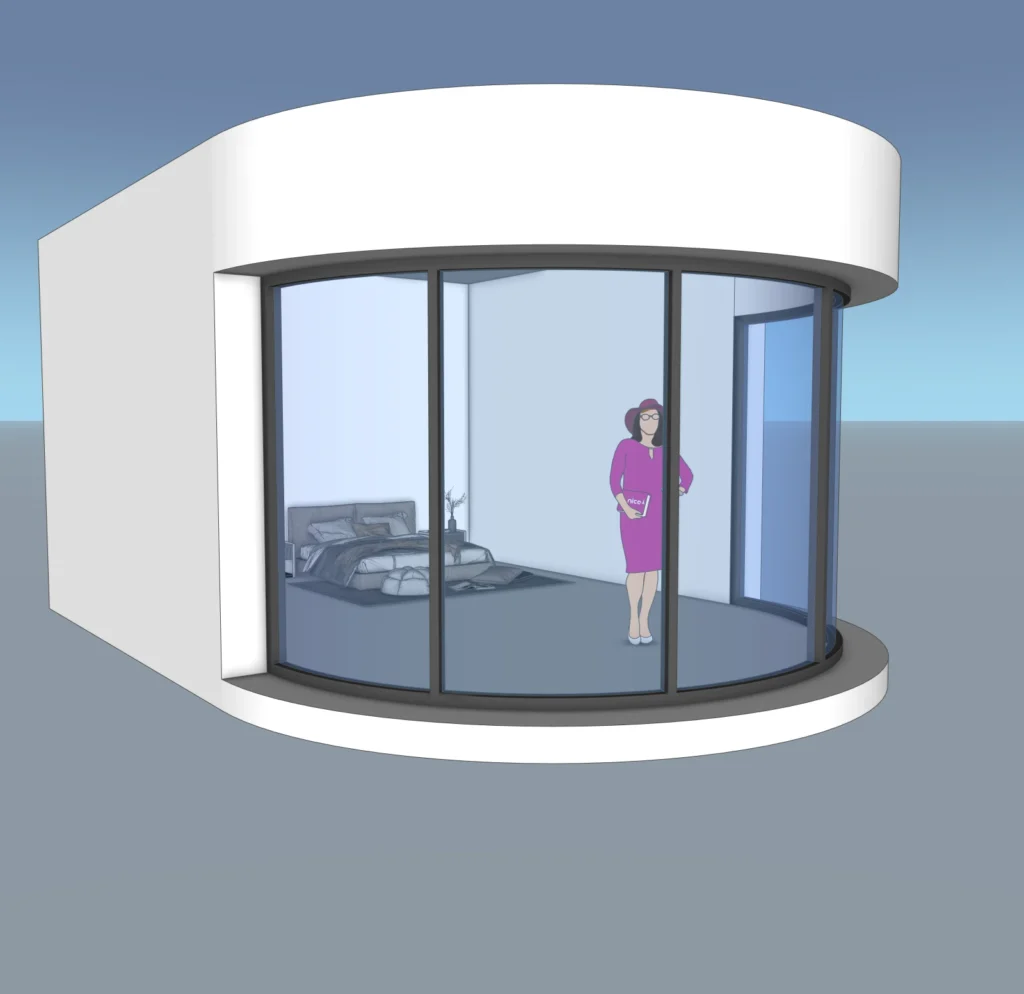
Modern Curved Glass Pavilion
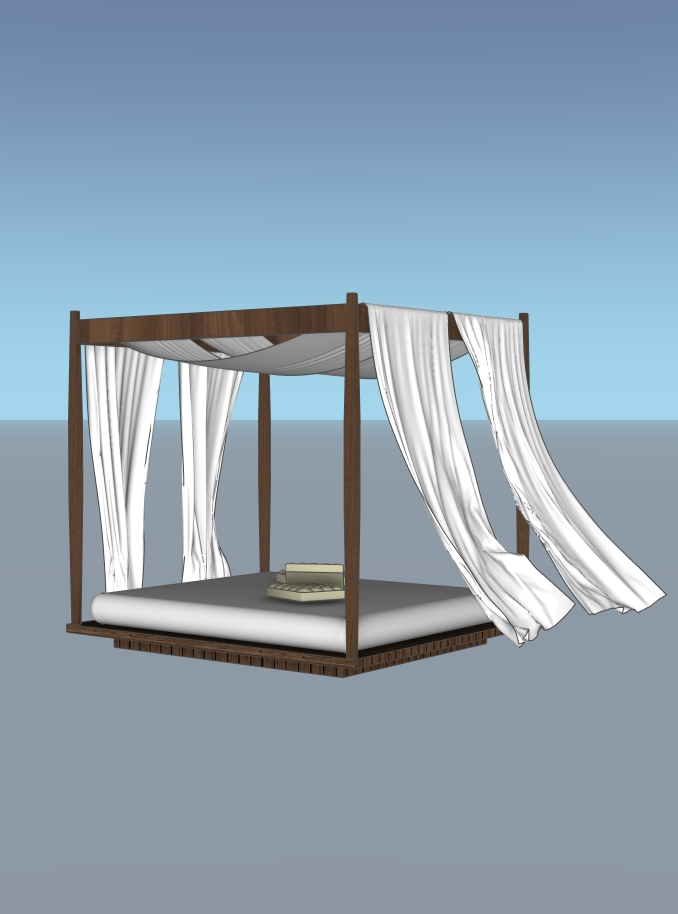
Modern Outdoor Canopy Daybed Pergola
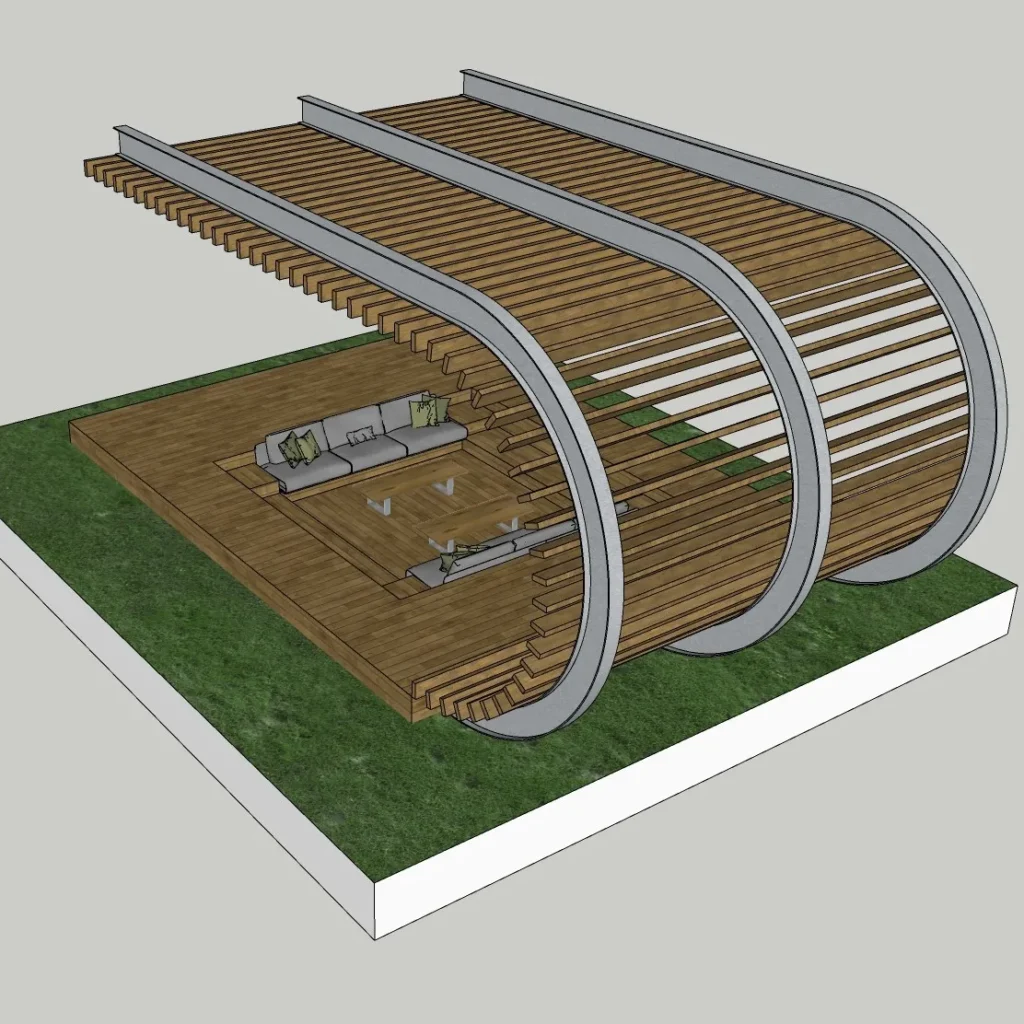
Modern Pergola
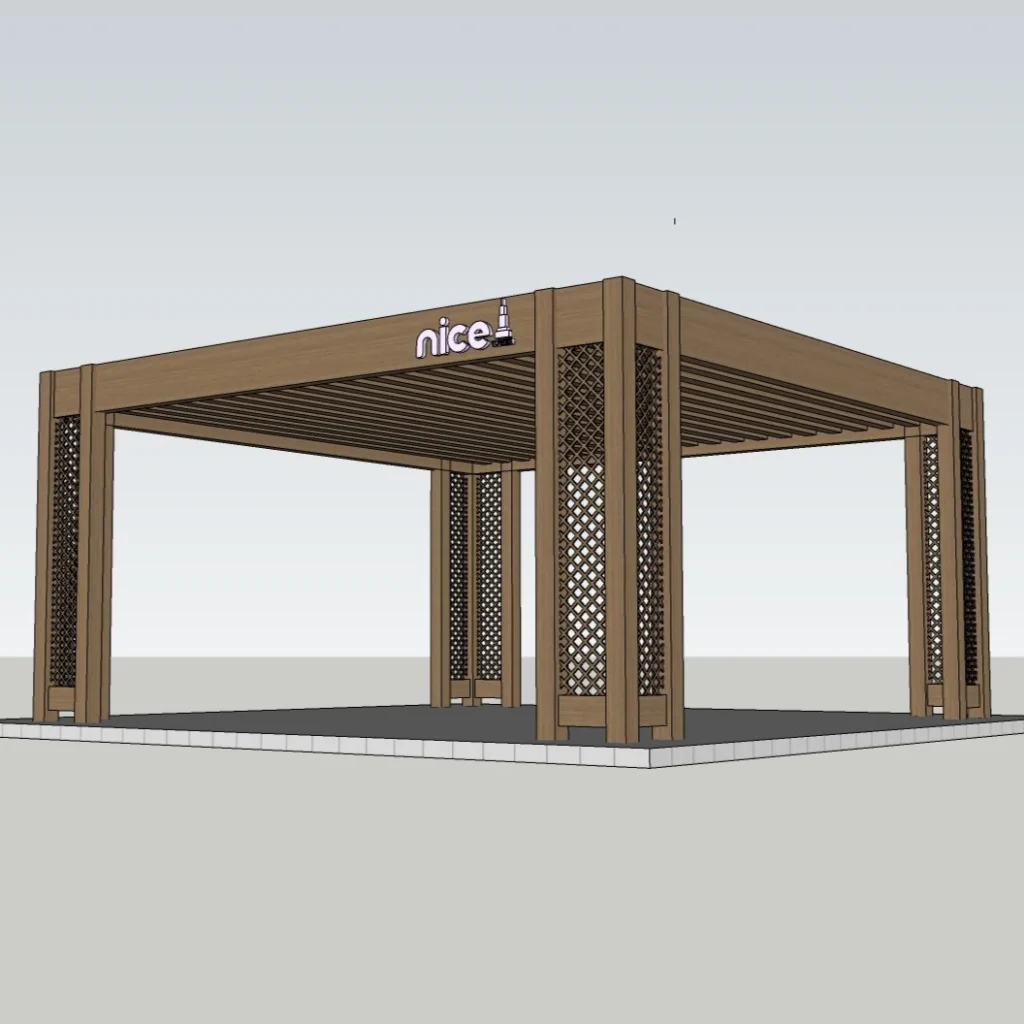
Modern Pergola Pavilion
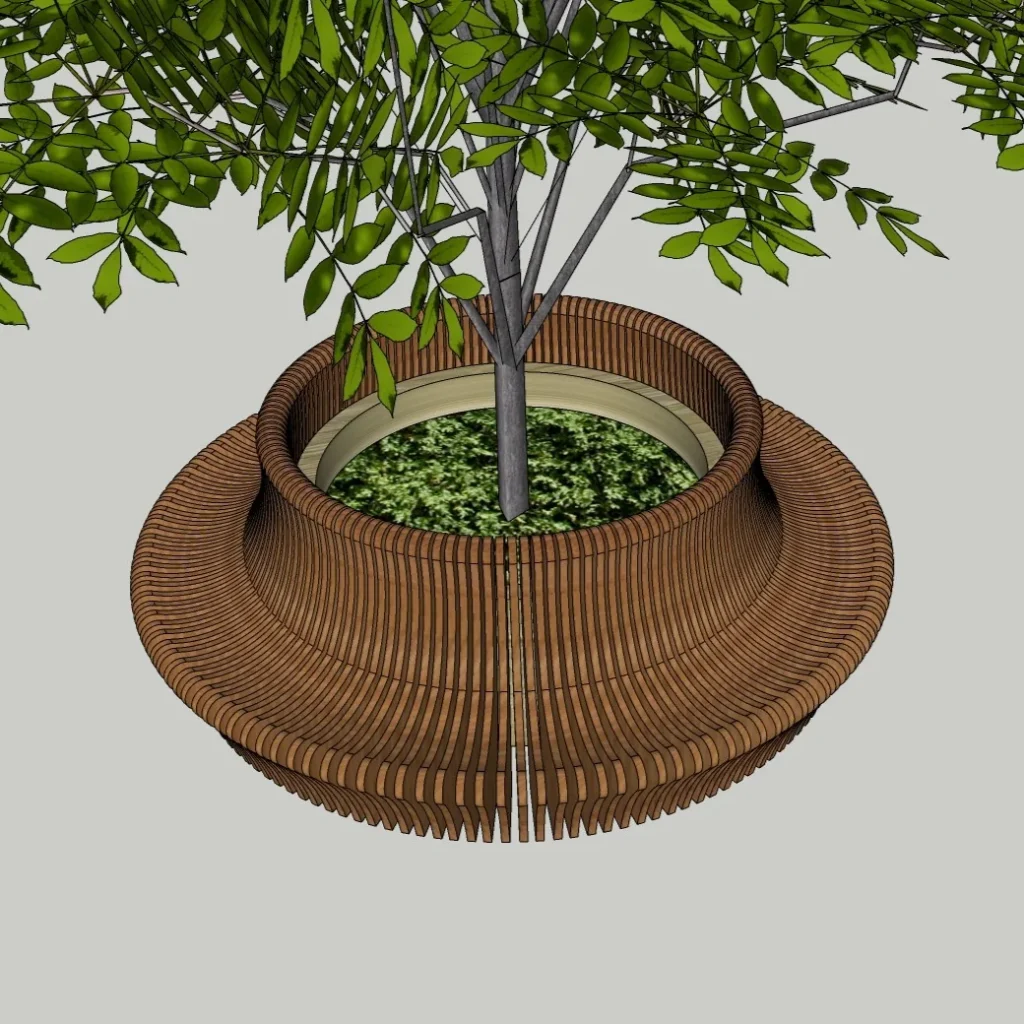
Parametric Circular Tree Bench
Choose SketchUp outdoor models for your project
Choose the asset by its role in the layout. For a bench, check the approach from the path and the space needed to sit and stand. For seating around a tree, compare the opening with the measured trunk and planting area; do not scale the entire asset merely to fit the tree without rechecking seat dimensions. For a pergola or pavilion, test the footprint, entrance direction and relationship to nearby windows and planting before developing the presentation.
Open the resource description and confirm the file format, stated software version and permitted use. Some linked resources may be free and others may be paid; review the individual page rather than assuming that every preview represents a free download. Keep a copy of the original file before modifying geometry, materials or component definitions.
- Parametric Wooden Pergola SketchUp Model – Curved Outdoor Pavilion Structure (Free)
- Parametric Circular Tree Bench 3D Model – Outdoor & Urban Seating – SketchUp 2018
- Modern Outdoor Trash Bin SketchUp Model – Metal Urban Garbage Can (Free)
- Browse all SketchUp models
- Continue with related design resources
Prepare a reliable SketchUp model
Import one asset into a separate test file first. Check its overall scale with the Tape Measure tool, inspect face orientation and make sure you can select the object without collecting surrounding geometry. Use clearly named groups or components so revisions remain manageable. If an imported file contains many materials or unnecessary hidden objects, inspect them before introducing the asset into a larger scene.
Test the selected resource in a top view before judging it in perspective. Rotate a bench to face the intended view, place the daybed where access remains clear, and compare structure locations using saved scenes. Inspect ground contact on a sloping site instead of assuming that every support will meet the terrain. Recheck the overall height and footprint after any scale change.
Materials and presentation for outdoor
Review material scale at the distance used in your presentation. Repeated textures, excessive gloss and inconsistent colour can distract from the arrangement of garden structures, outdoor seating and landscape details. Adjust a copy of the model to match the surrounding scene, save a new version and export a test image before committing to the final presentation.
Choose only the detail needed to communicate the design. For a distant view, simplified geometry may be more useful than a heavily detailed component. For a close view, inspect edges and material transitions carefully. Remove unused imported objects after the selection is complete and keep the original reference available for comparison.
Continue with related outdoor design lessons · Browse the free model download hub · Explore the complete model catalogue
For software commands, import options and component editing, consult the official SketchUp Help Centre alongside the topic-specific resources on this page.
Questions about SketchUp outdoor models
Where can I find the model file?
Use the related collection or individual product links on this page. Open the model description and follow its current download or purchase route. A preview image alone is not a file download.
Will these resources work with my SketchUp version?
Check the stated version on the individual resource before downloading. Test the file separately, verify its scale and save a compatible working copy using the options supported by your software.
Can I edit the model for my project?
Read the individual licence and usage terms first. Where editing is permitted, work on a copy, keep components organized and check dimensions again after changing the model.